


01
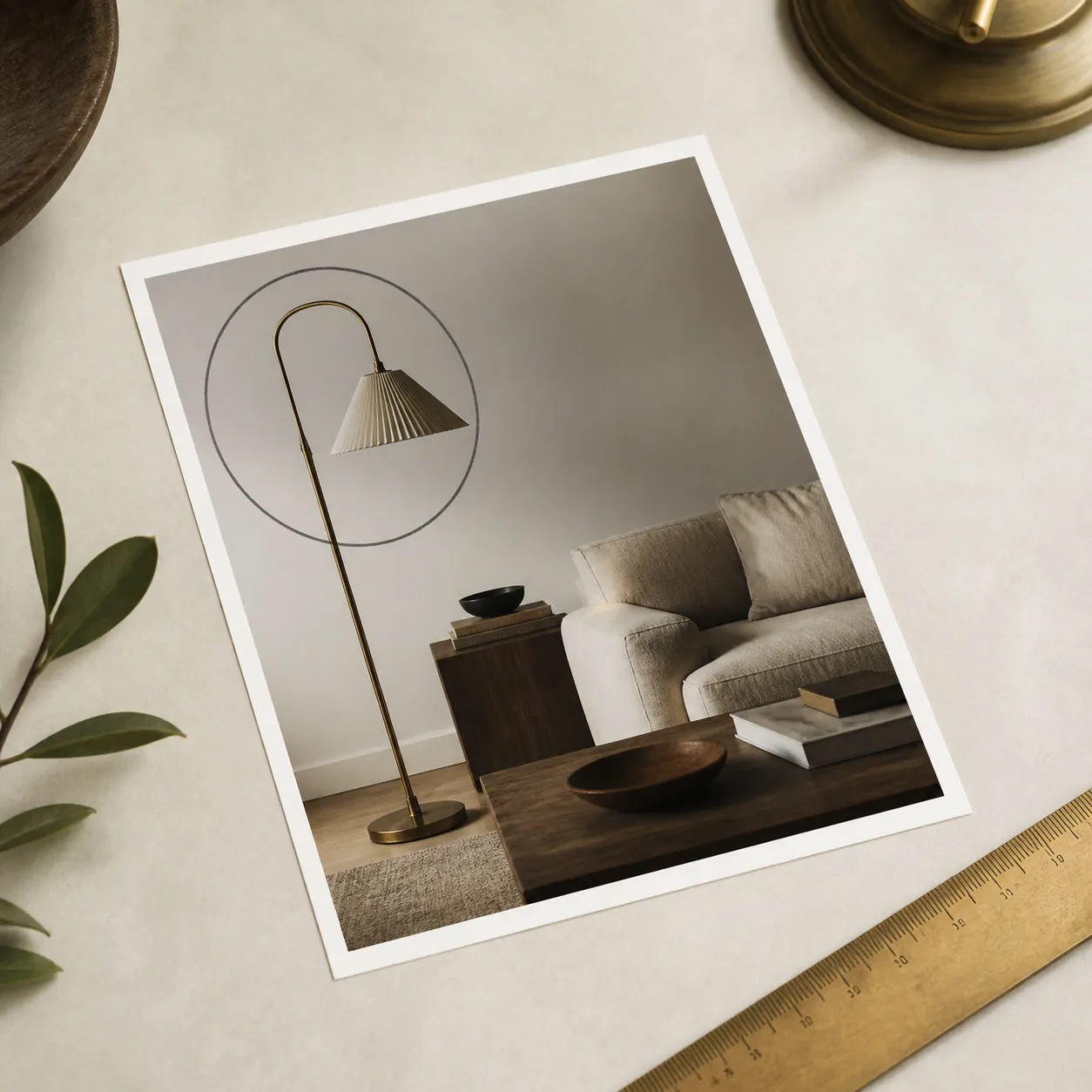
Direct the change
Describe the lighting, background, clothing, or object you want to change using everyday language.
All-in-one AI image & video studio
Create an image from a prompt or your photo, refine it with simple edits, then turn it into a short video. One account and one Credit balance for every model and trending template.
Black Friday · Through Cyber Monday
Starter yearly is $89.40 for the first year: 600 images. Creator yearly is $179.40: 2,100 images, about 9 cents each. Lock in a year at 40% off.


Choose an effect, add your photos, and make it your own.
 Gothic blackletter logo
 Aircraft in a night hangar
 Character portrait with real skin
 Candid mirror selfie
 Rainy night film still
 Sculpture at dusk
 Four-panel manga page
 Blue-hour commuter
 Anime character as a real photo
 Paparazzi street moment
 Candlelit ruined chapel
 Window-light portrait
 Still life in raking light
 Golden-hour greenhouse
 Hotel Lobby AI
 A fox with a lantern
 A bookshop portrait
 Your photo, as clay
 A clay pet character
 A tiny product world
 A storybook crossing
 Lamine Yamal AI
 Krea AI hairstyle changer
 AI photo background changer
 Christmas photo
 Ghostface AI photo generator
 AI Halloween generator
 AI Halloween costume generator
 AI birthday card
SEE AN EDIT
See how a portrait could look in a night café, a rainy city, or a lantern-lit alley. Each example pairs a scene with an edit instruction.
Explore three scene ideas from one portrait reference. Compare the lighting, setting, and details in each example.
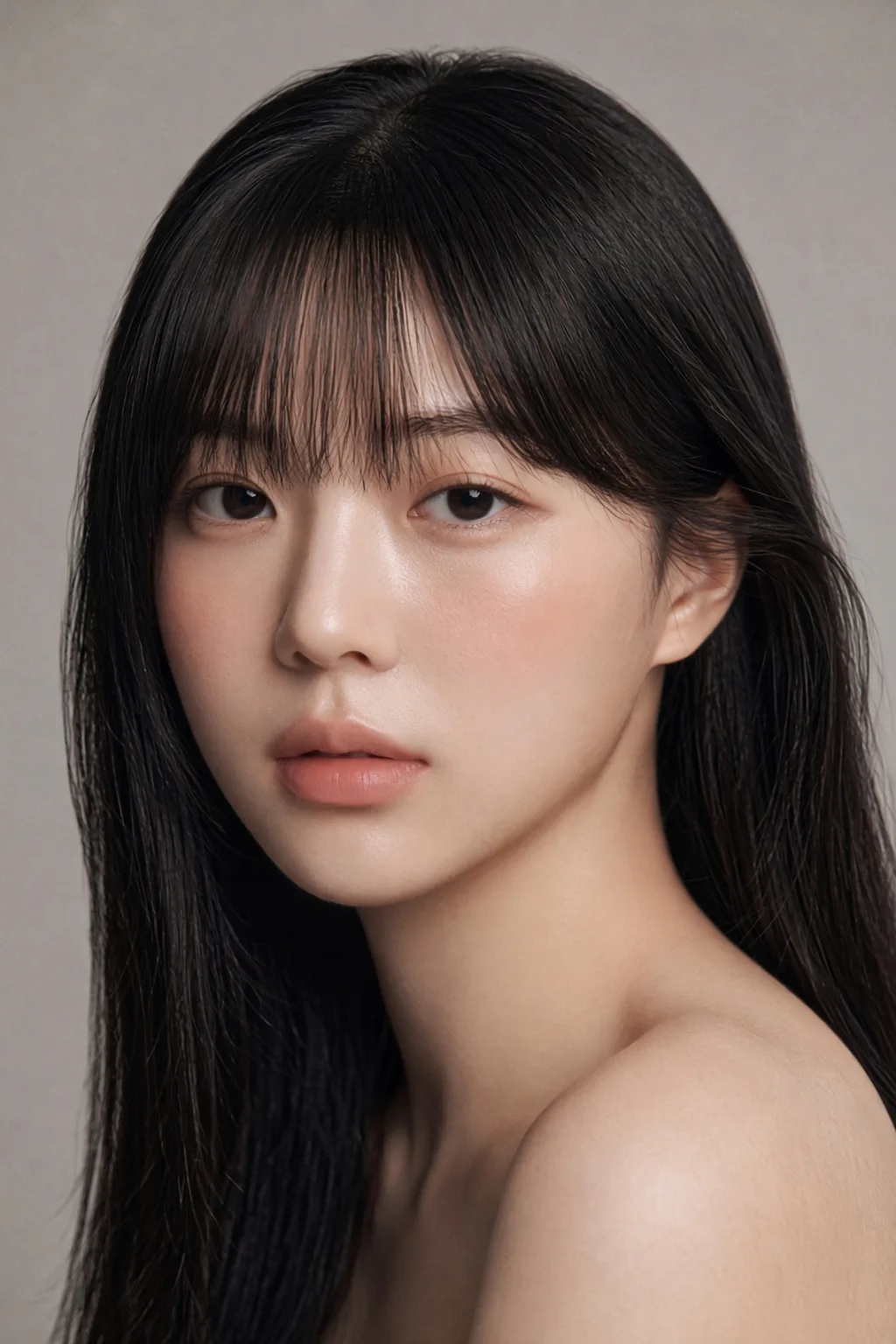
Features
Use text and image references to explore a new scene, refine a detail, or develop a visual direction.
Describe the lighting, background, clothing, or object you want to change using everyday language.
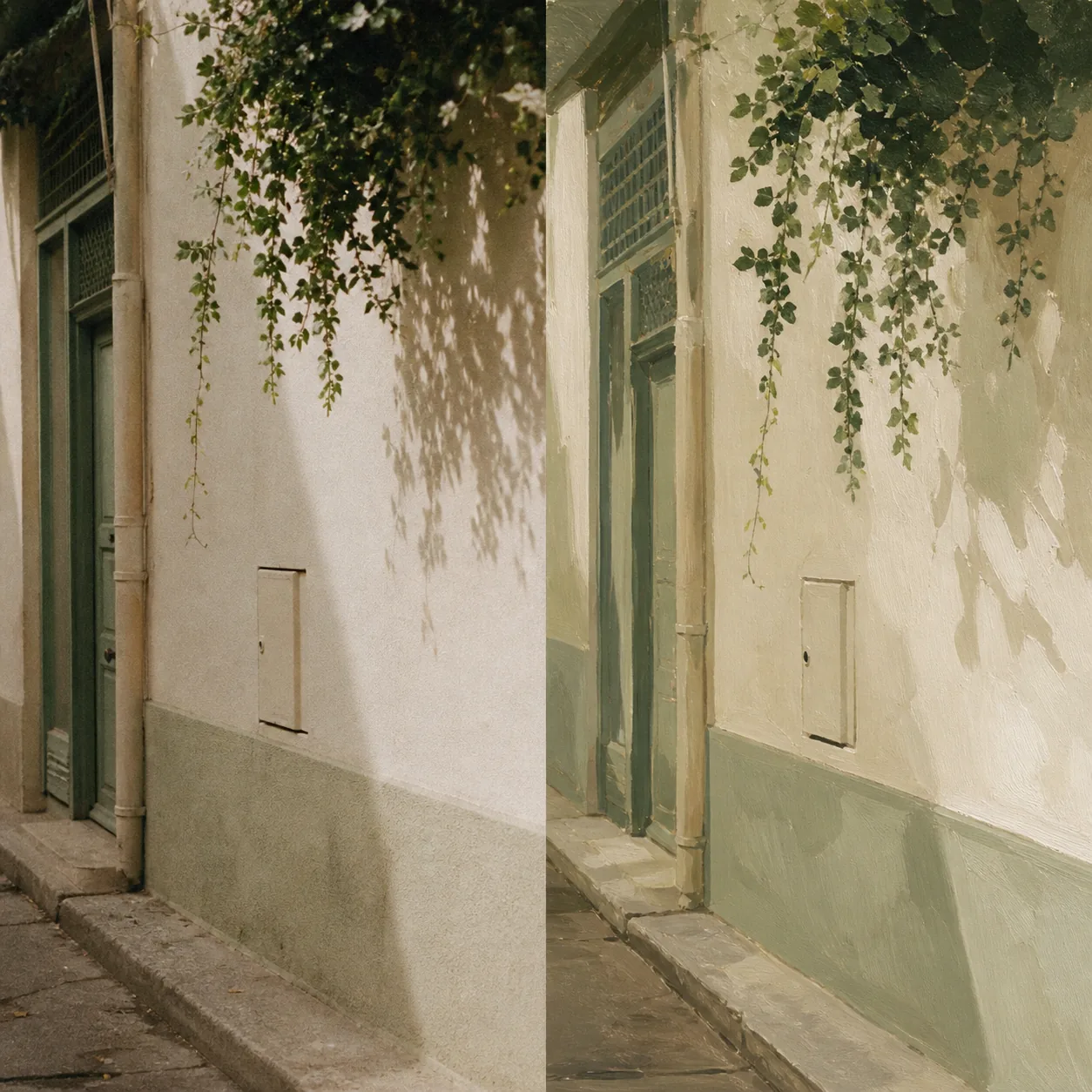
Use a reference and style cues such as soft film grain, clean studio light, or a hand-drawn finish.
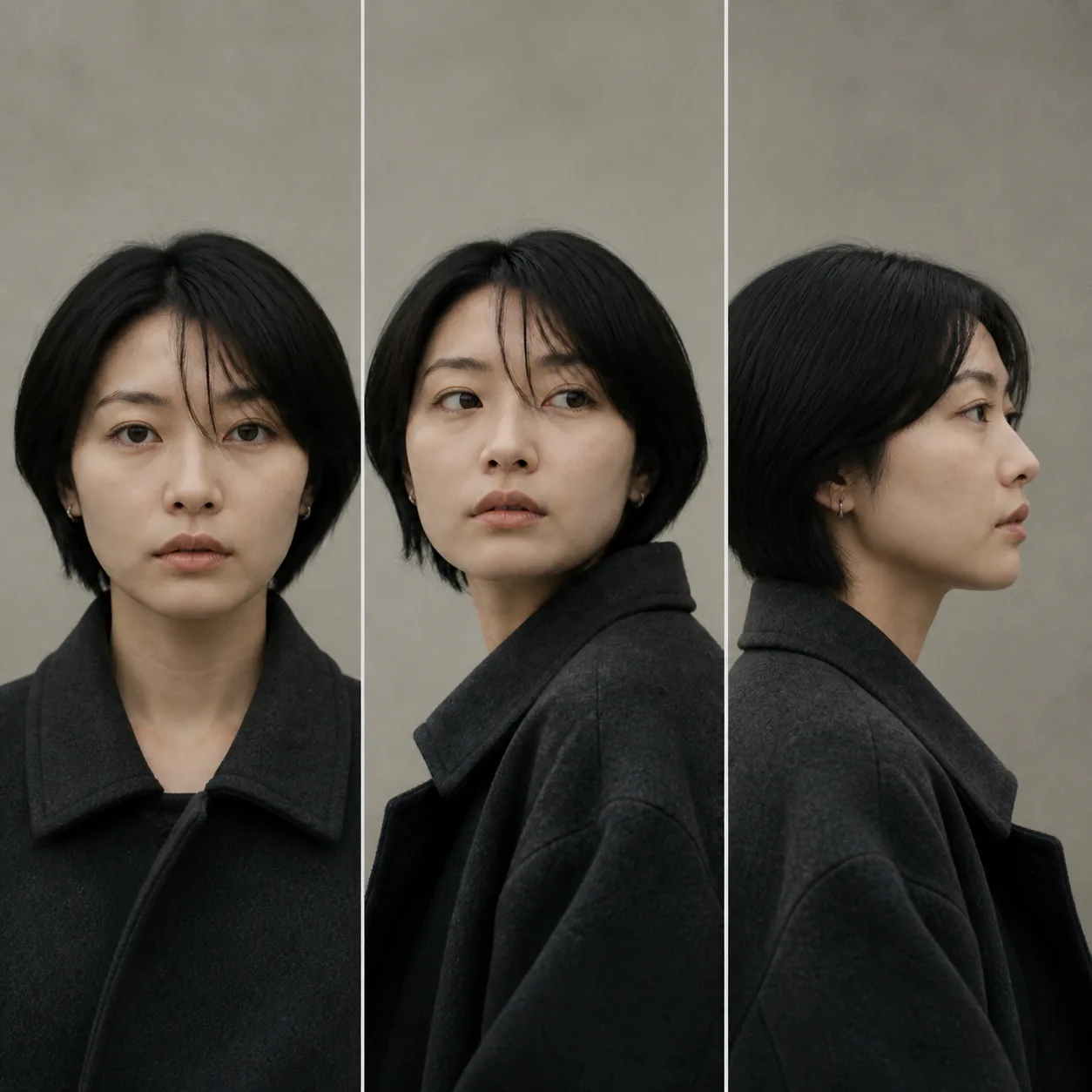
Bring a portrait, character, or product image as a reference, and specify the details that matter to you.
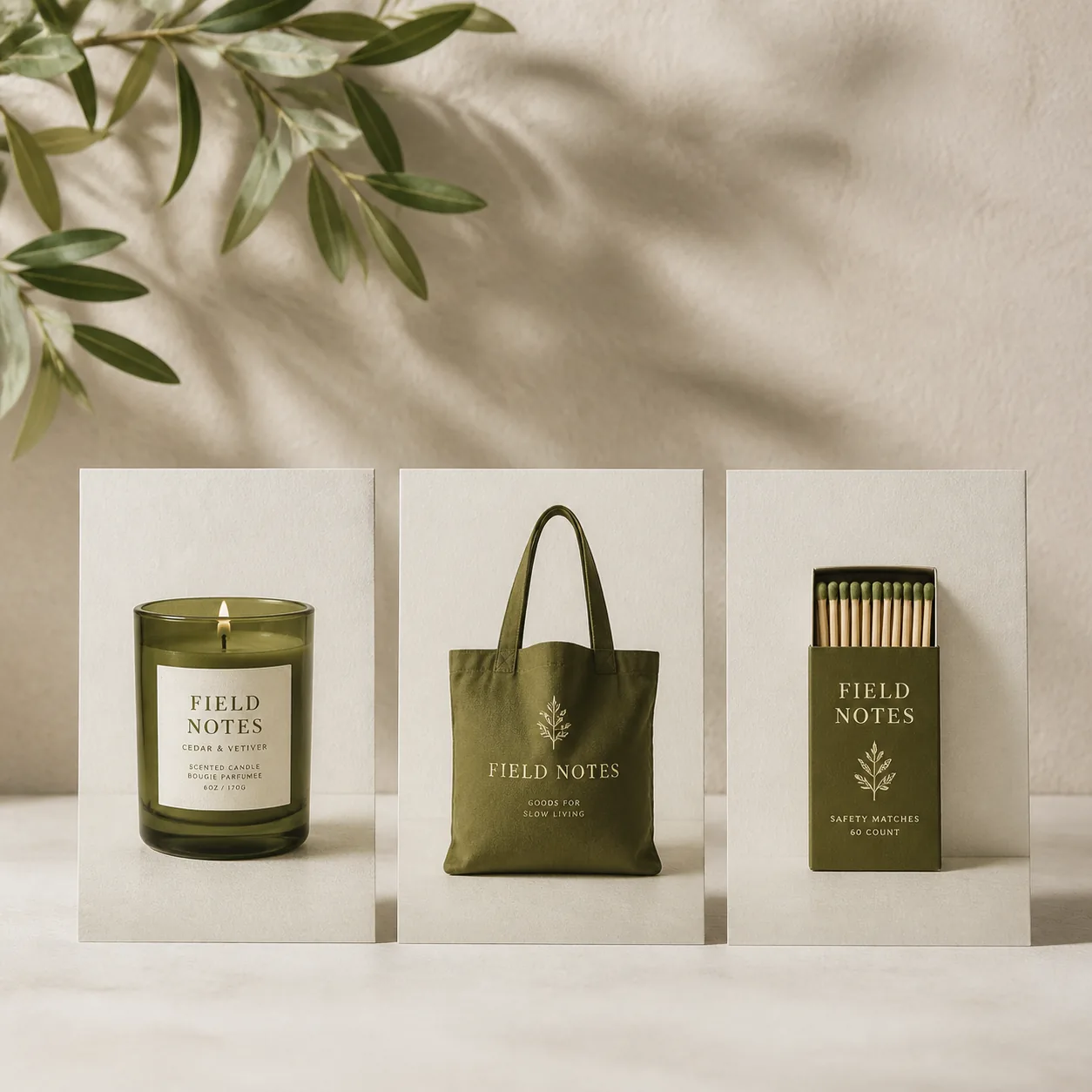
Try a different setting, palette, or composition, then choose the version that best fits your project.
Upload a reference, describe the change, and review the result before downloading.

Upload a selfie, a photo, or an illustration to guide your edit. You can also create a starting image from text.

Describe a specific change: a new place, warmer light, or a different jacket. Start with one clear instruction.

Mention the face, hair, clothing, or composition you want to preserve. Check these details in the result.

Compare the result with your brief. Adjust your instructions for another pass, or download the version you prefer.
Generate when you need a new direction. Edit when you already have one.
Pick your plan
Use one Credit balance to generate both AI images and videos. Choose monthly, annual, or one-time packs that never expire.
Pay once for a year. Starter, Creator and Pro Credits receive 1,000, 3,500 and 10,000 Credits monthly for both images and videos. 40% off your first year; cancel renewal anytime.
Gift a friend. Send any Credit pack as an AI birthday or wish card and save 20%.
Make a gift card


Editing ideas
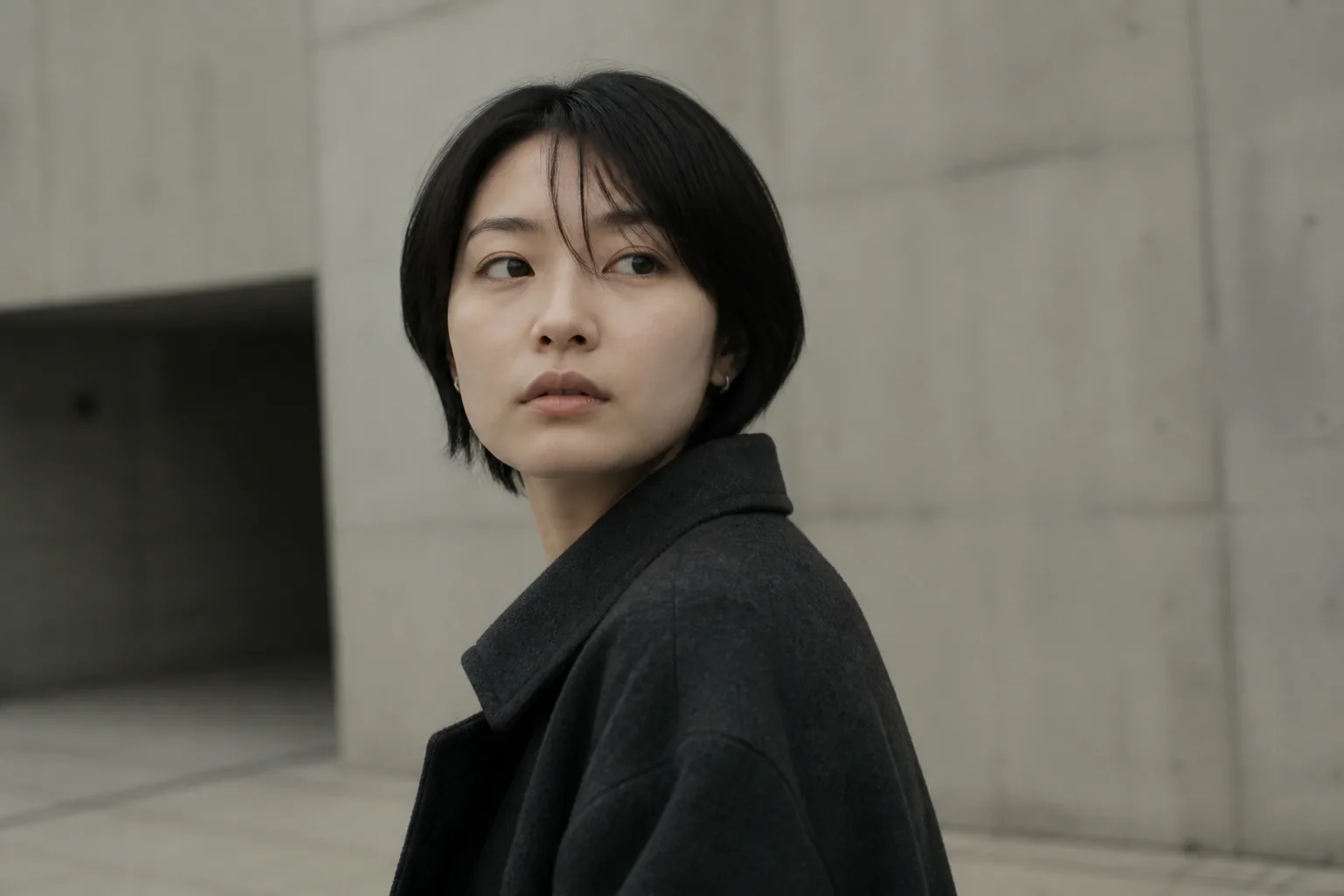
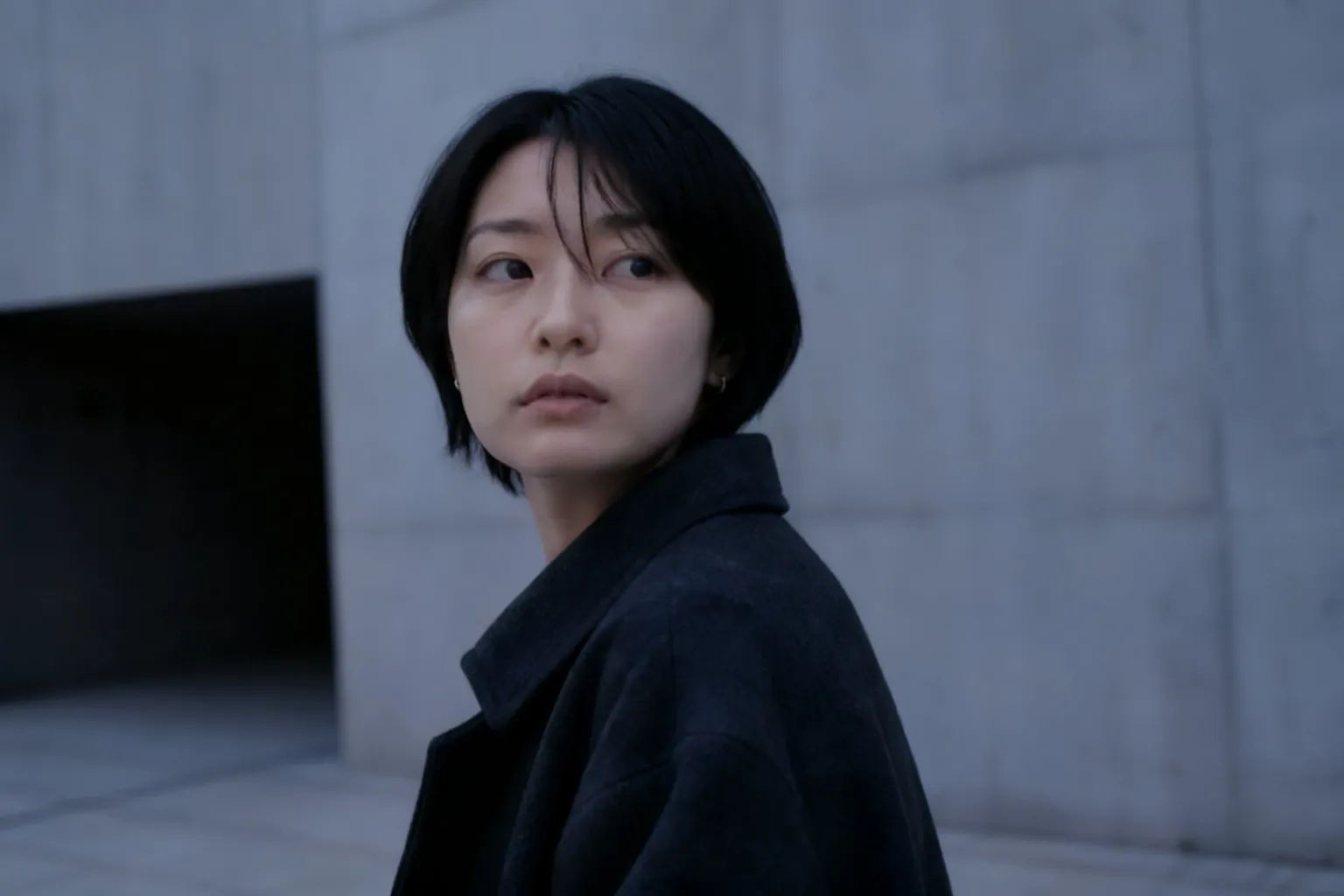
Explore lighting, lettering, and wardrobe changes. Each example shows a direction you can describe with a short instruction.
Lighting
Explore warmer light or a night-time atmosphere from an existing image.
Example instruction
Change the daylight to soft dusk lighting. Keep the pose and composition.
Design
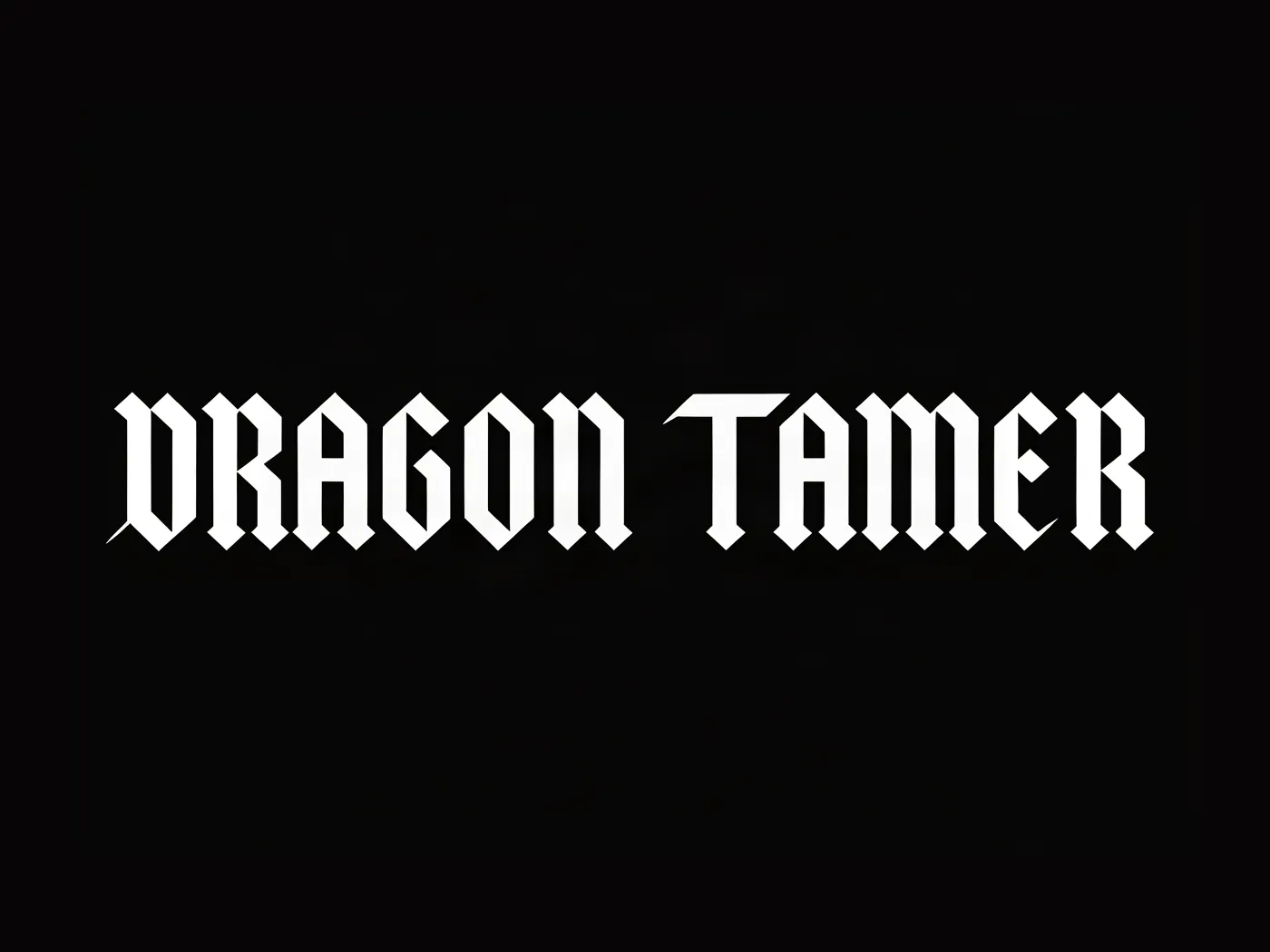
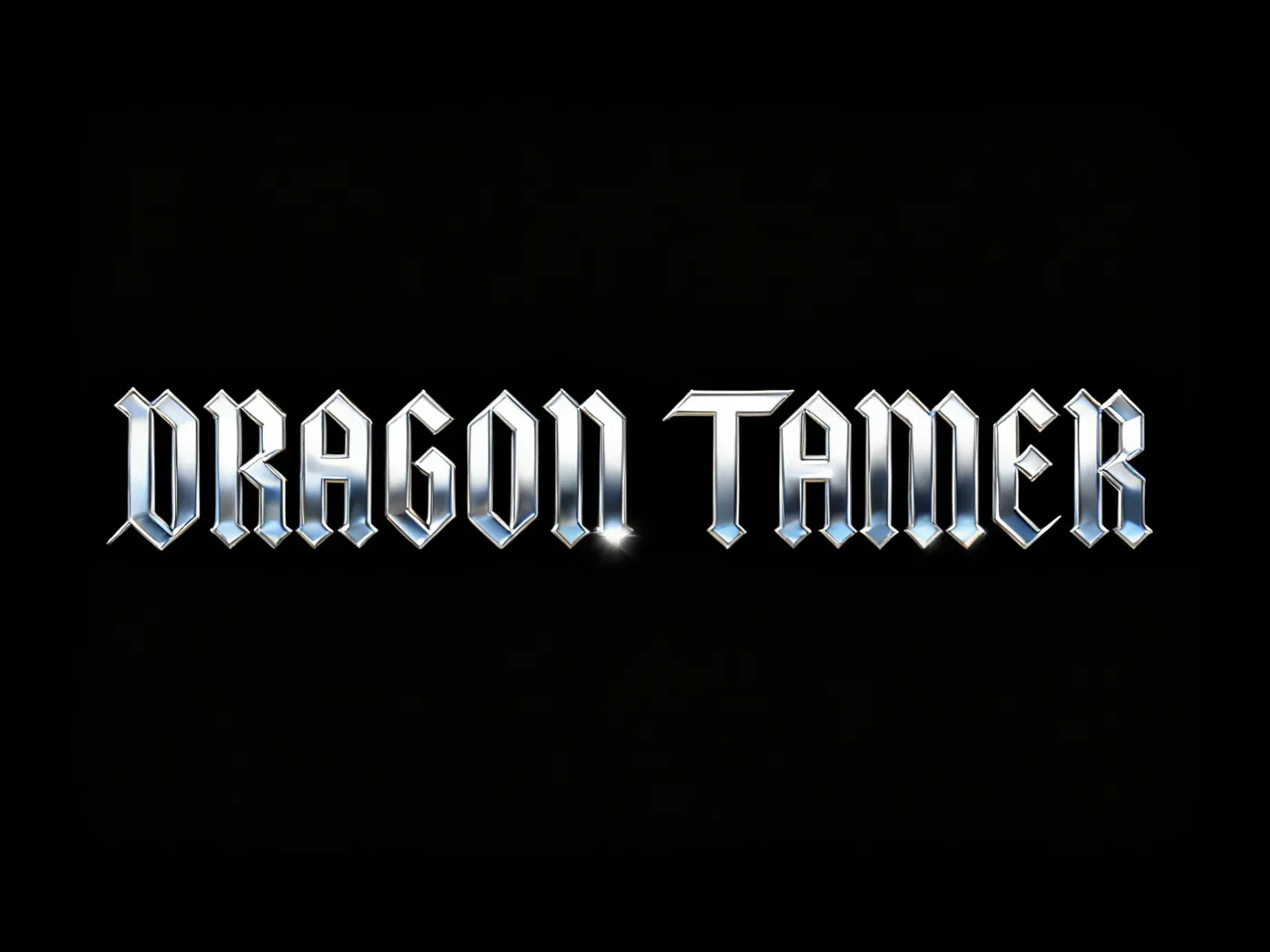
Try a new material or finish on lettering you already have.
Example instruction
Turn the lettering into polished chrome. Keep the words and layout.
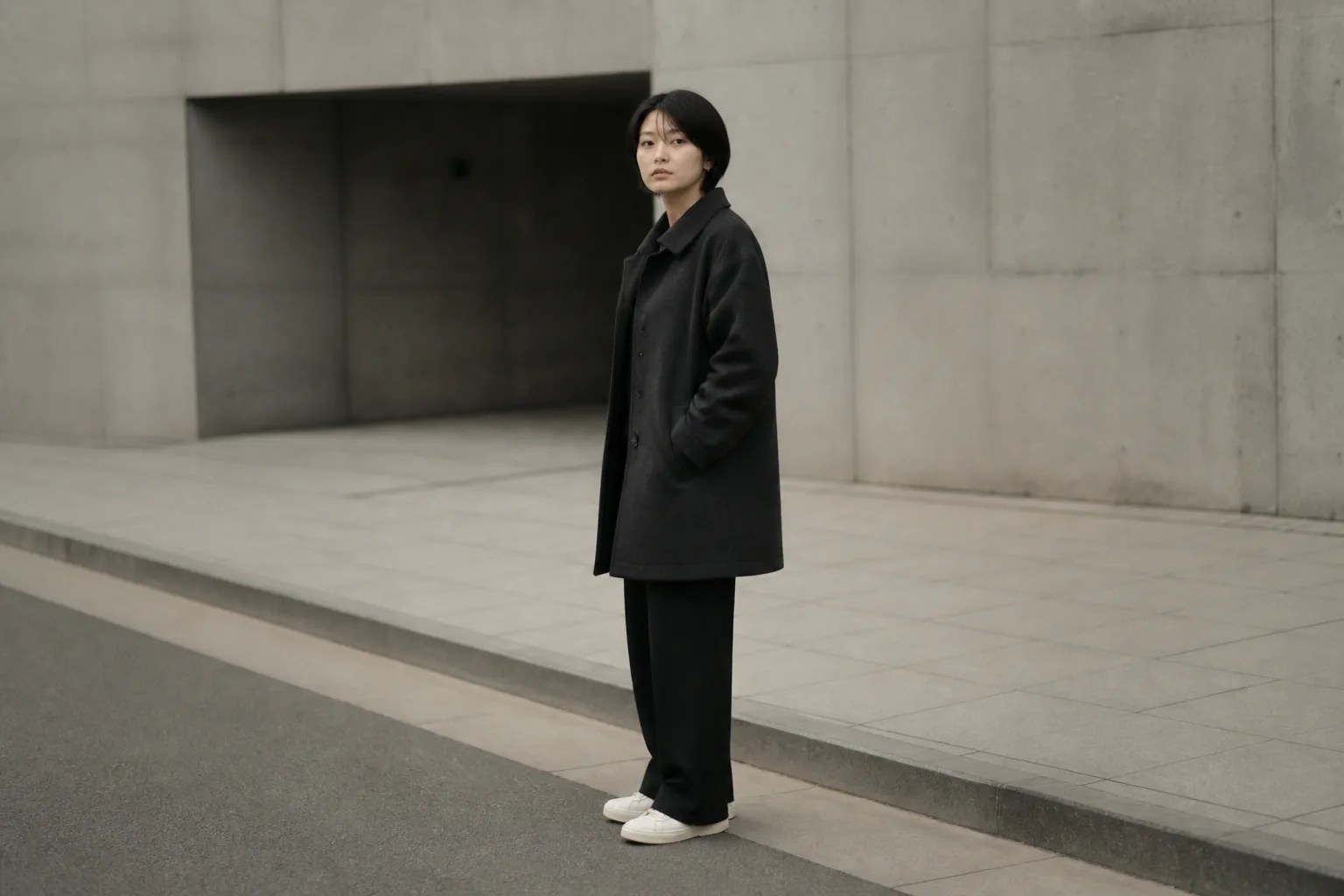
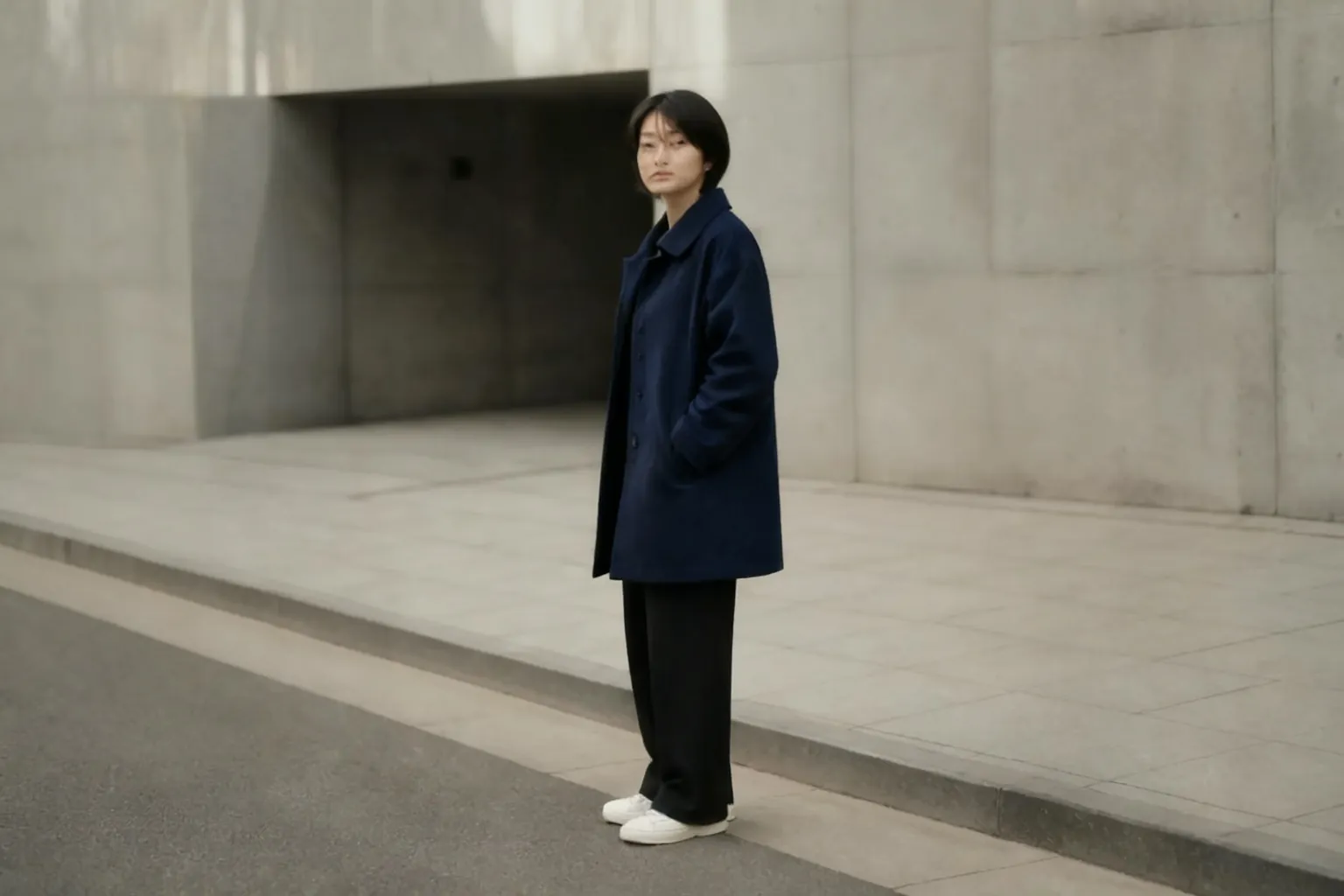
Wardrobe
Try another outfit or color using a portrait as your reference.
Example instruction
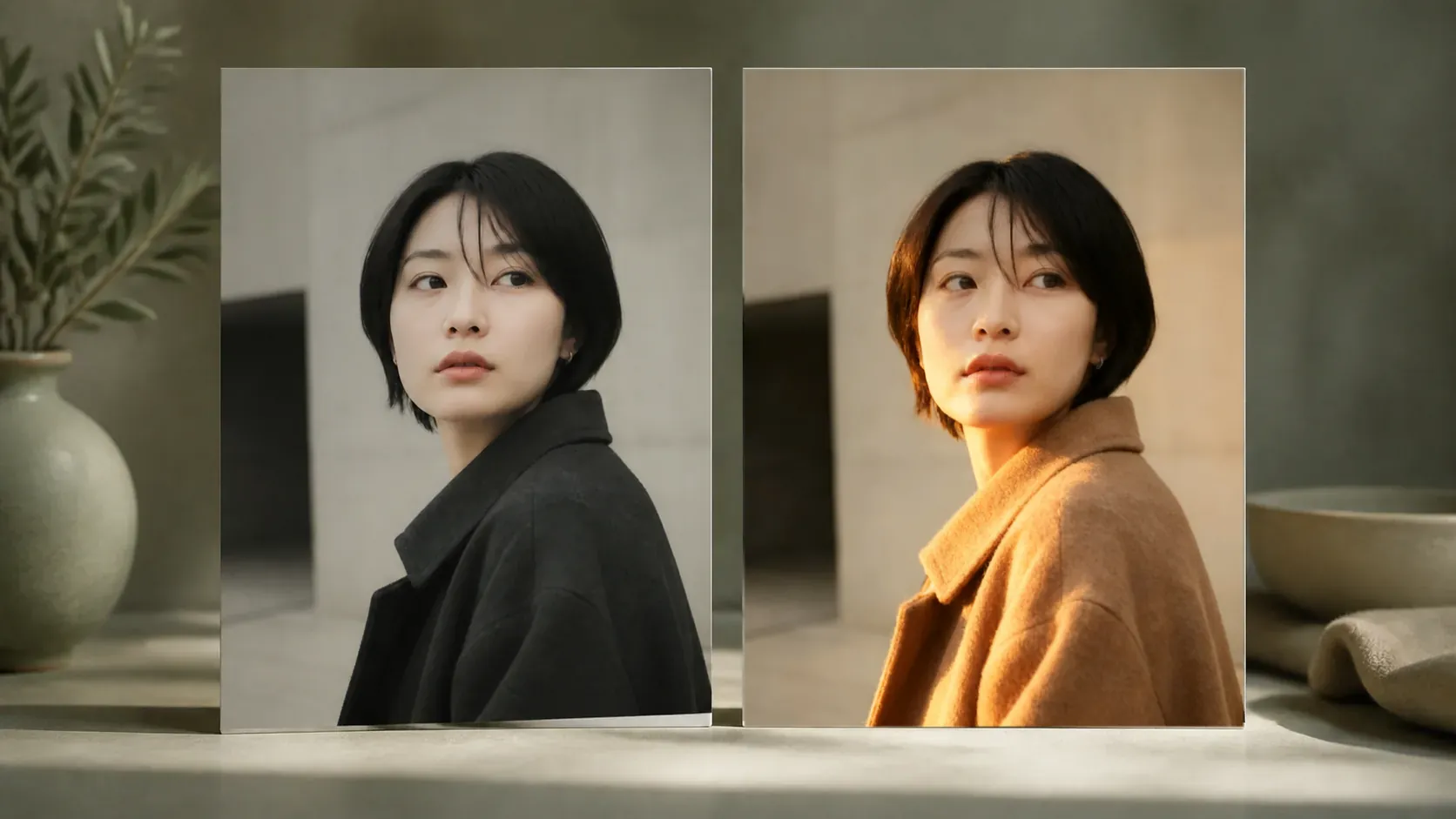
Change the coat to deep blue. Keep the face and pose.
For a clearer brief, describe both the change you want and the details you want to keep.
Each result was made with the editor above from the instruction shown. Results vary by image.
Use cases
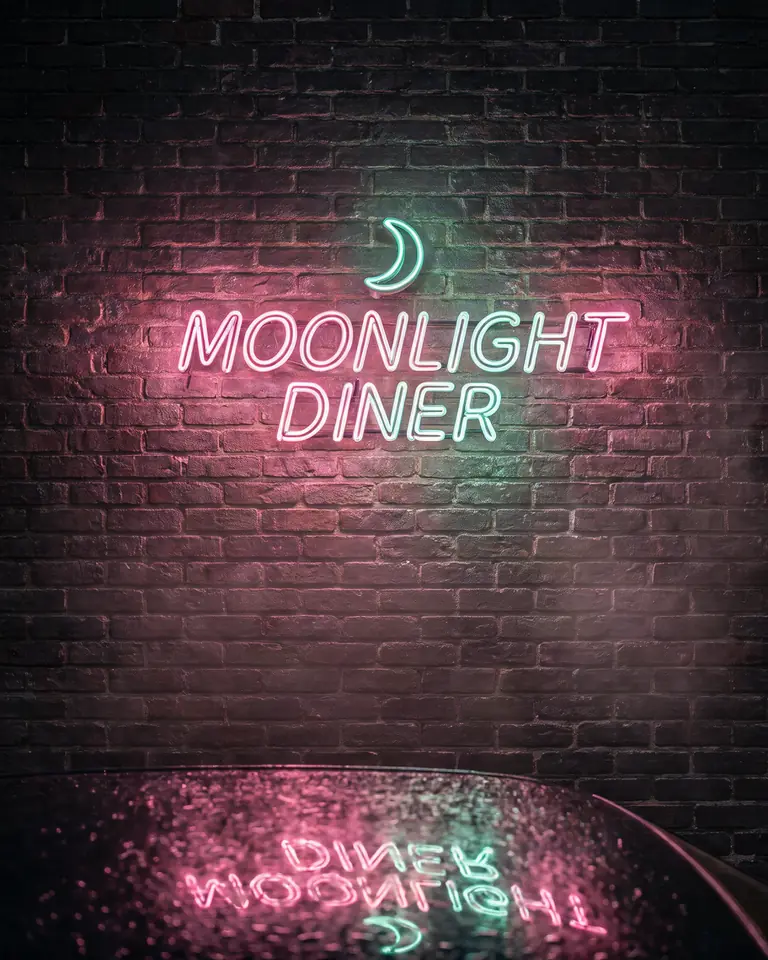
Explore wordmarks, signs, and poster titles, or restyle lettering you already have. Check the spelling before you publish.
Start creating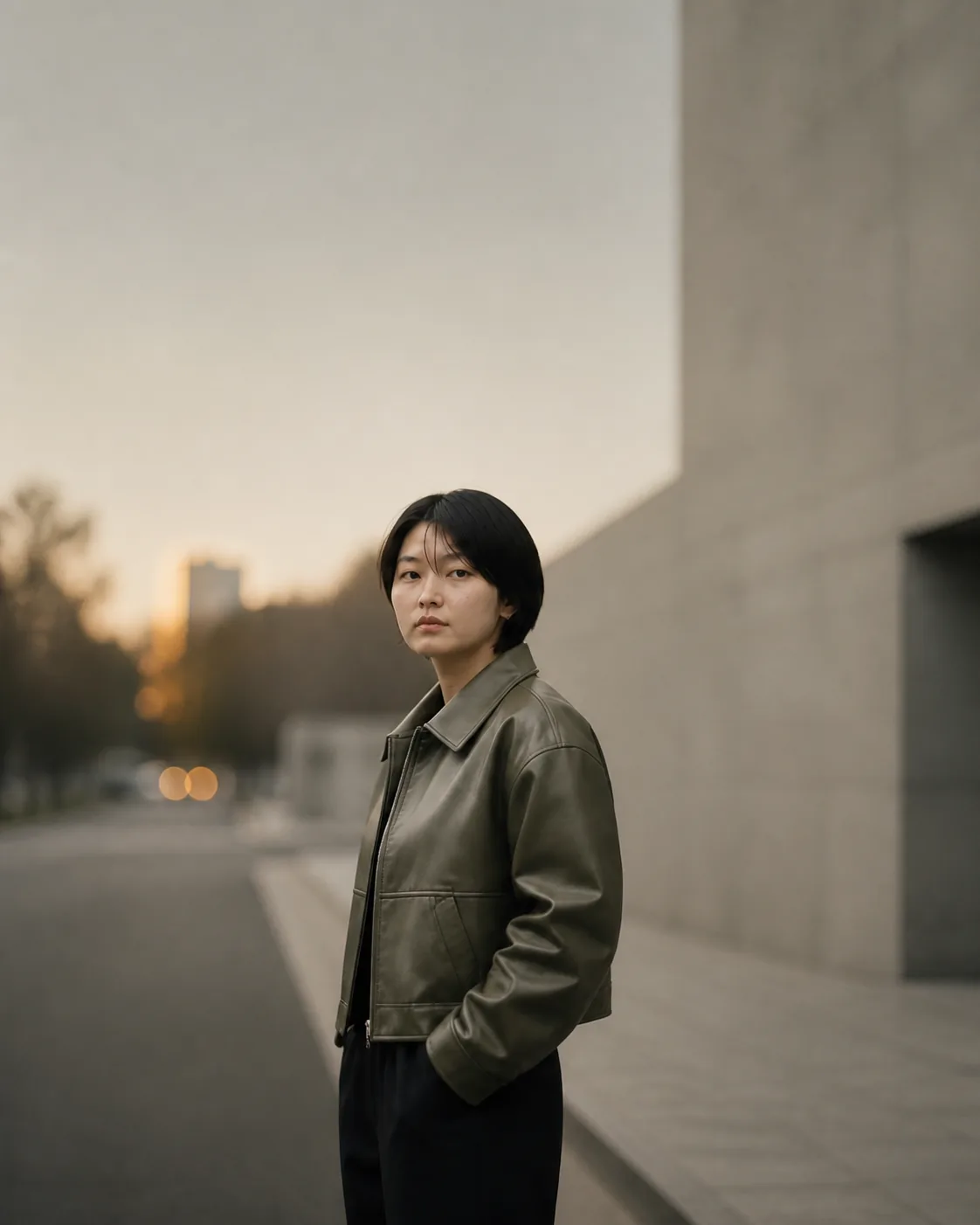
Explore wardrobe, setting, and lighting changes using a portrait or character image as your reference.
Start creating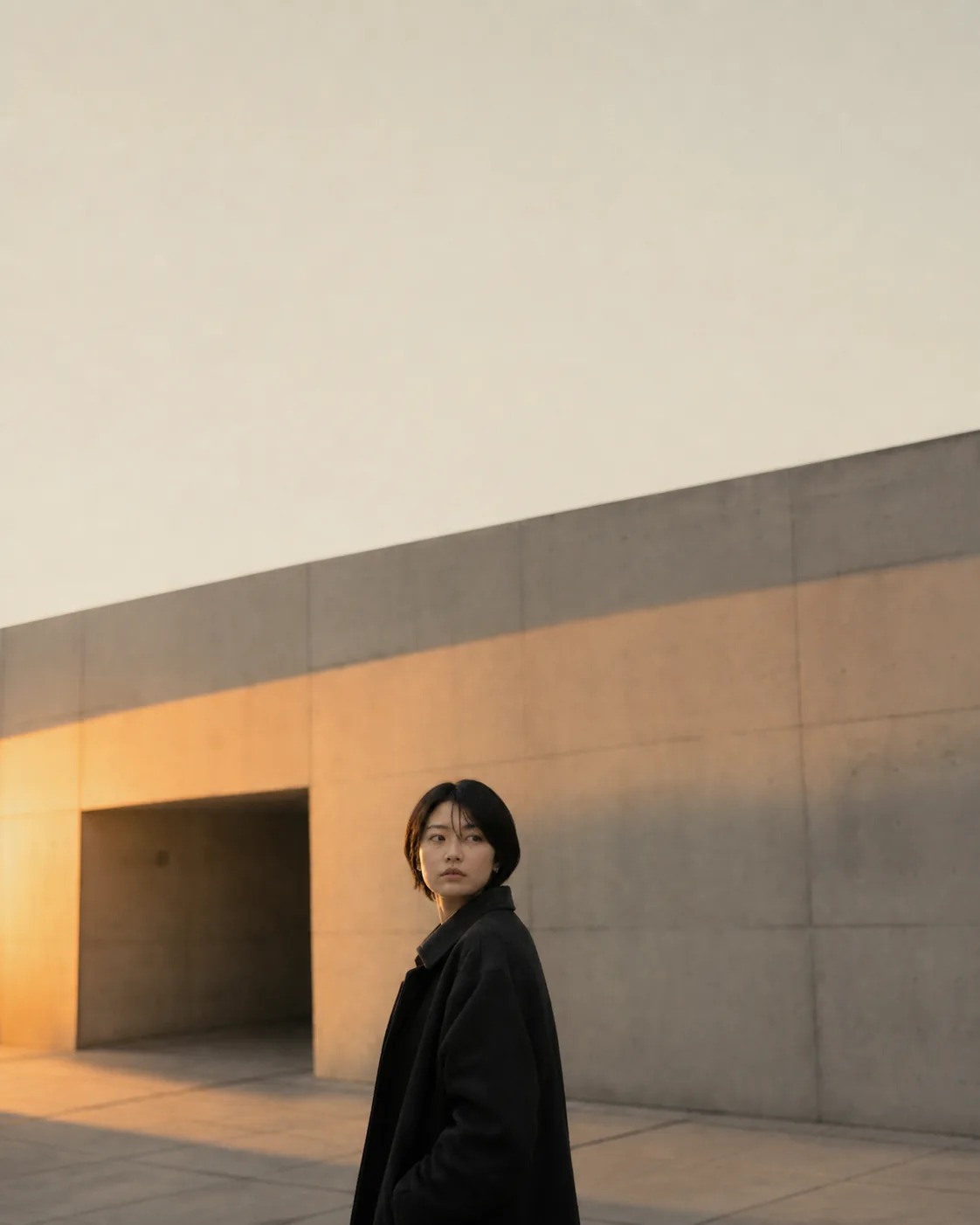
Try different moods, palettes, and compositions for social posts, campaign concepts, and editorial visuals.
Start creatingCreative directions
Choose your starting point
Both workflows start in the editor above. Choose the one that fits your brief.
| Create from text | Edit with a reference | |
|---|---|---|
| Start with | A written idea | An image and an edit instruction |
| Describe | Subject, setting, composition, and style | What to change and what to keep |
| Useful for | Exploring a fresh visual direction | Developing a portrait, product shot, or illustration |
| Review | Composition, details, and fit with your brief | The requested edit and any changes to other details |
You can use a generated result as the reference for your next edit.
FAQ
Generate both AI images and AI videos from a text prompt, or upload a photo to edit lighting, backgrounds, and details or turn it into a video. Everything runs in your browser, with completed images and videos saved in your library to review and download.
Yes. Switch to the Video tab in the editor to create text-to-video or image-to-video clips using models like Kling 4.0, Seedance 2.5, Seedance 2.0, and Wan 3.0. Choose the model, aspect ratio, resolution, and duration (5s, 10s, or 15s) and review the exact Credit cost before generating.
Yes. Sign in, upload a JPG, PNG, or WebP image up to 10 MB, then describe the edit you want or switch to the Video tab to animate your photo into a video. Mention any details you want to preserve, such as the face, product shape, or composition.
Tell Krea 3 what to change and what to keep—for example, “Change the background. Keep the face, pose, and jacket.” Start with one focused edit and compare the result with your reference. AI edits can still alter details such as faces, lettering, or textures.
Name the change first, then the details to preserve. For example: “Change the jacket to deep blue. Keep the face, pose, and background.” Start with one clear change and review the result before adding more.
Yes. You can enter a prompt or choose a photo before signing in. Generating requires paid Credits; Lite provides 1,000 Credits for AI images and videos. See pack prices on the pricing page.
Any paid plan works for both AI images and videos, removes the watermark from new generations, and unlocks watermark-free originals of the images you already made. Starter, Creator and Pro Credits subscriptions refresh Credits monthly. One-time Credits never expire.
Yes. You can use the AI images and videos you create here in personal and commercial work, including client projects, ads, social posts, and products, with no attribution required. Any paid plan or Credit pack removes the watermark. You are responsible for having the rights to anything you upload, such as photos of people, logos, or brand assets.
The Credits for that generation are returned to your balance automatically. If your balance has not been restored, contact support and we will fix it.
More AI tools
 Black Friday40% off Starter, Creator or Pro Credits yearly plans through Cyber Monday.AI Christmas photo generatorTurn a selfie, couple photo or pet into a cozy holiday portrait.Hotel Lobby AI video generatorPut two photos into the viral orange booth rap performance, with the original moves and audio.Ghostface AI photo generatorThe Y2K horror trend photo, with a masked figure lurking behind you.Krea AI hairstyle changerTry a new haircut or color on your own photo before you book.AI photo background changerGive a portrait or product photo a new AI-generated scene, from solid color to e-commerce white.Claymation style generatorMake tactile clay-style images from a prompt or your photo.
 AI Image AgentCreate, edit, and refine images step by step through natural-language conversation.Lamine Yamal AIAn 8-second video of you faking the rabona past a sliding defender, from one photo.AI birthday cardMake a personal birthday or wish card and send it with image Credits as a gift.Krea 3 vs Krea 2See how the two image models differ in realism, faces, text, and price per image.
Ready to edit?
Upload a reference or write a prompt. Describe your direction, explore the result, and choose what comes next.


