- Paint free — sign in to generate
- Google sign-in bonus
- Brush-precise erase
- Download results
 How to remove someone from a picture with a careful brush mask
How to remove someone from a picture: paint the full silhouette including shoes. Browse & paint free; Google sign-in gives 6 credits (~3 cleans), 2 each.


Before / AfterClear people from the background.
Upload your photo
Masking example
Cover the entire object with the brush, slightly past the edges—don’t just outline it.
Original

Paint to cover

Clean result

How do you remove something in three steps?
Upload a photo, paint the erase mask, run clean, then download the result.
01
Choose a picture where one person is clearly separable
Soft overlapping hugs are harder first attempts. Start with space between silhouettes when you can.
02
Brush hair, bags, shoes, and the cast shadow
Skipping shadow is the most common beginner mistake when removing someone from a picture.
03
Inspect shoulders of people you kept
Zoom the after view. If clothing blurs, shrink the mask along the shared edge and clean again. Browse, upload, and paint for free — no credit card required. Continue with Google to generate: 6 starter credits (about 3 cleans), 2 credits per successful clean. No recurring free credit top-ups.
Precise cleanup — not a one-tap gimmick filter
Honest limits, precise brush control, and inpainting that rebuilds the background.
- ✓Paint free — sign in to generate
- ✓Google sign-in bonus
- ✓Brush-precise erase
- ✓Download results
What can you clean with a brush mask?
People, wires, stamps, and small clutter—brush the region, then download a clean shot.

 BeforeAfter
Practice: stranger behind a couple portrait
Mask the photobomber carefully so foliage or wall continues behind the couple—not a smudged halo.

 BeforeAfter
Practice: coworker standing in an office corridor
Cover the full figure down to shoes so floor tiles reconnect under fluorescent light.
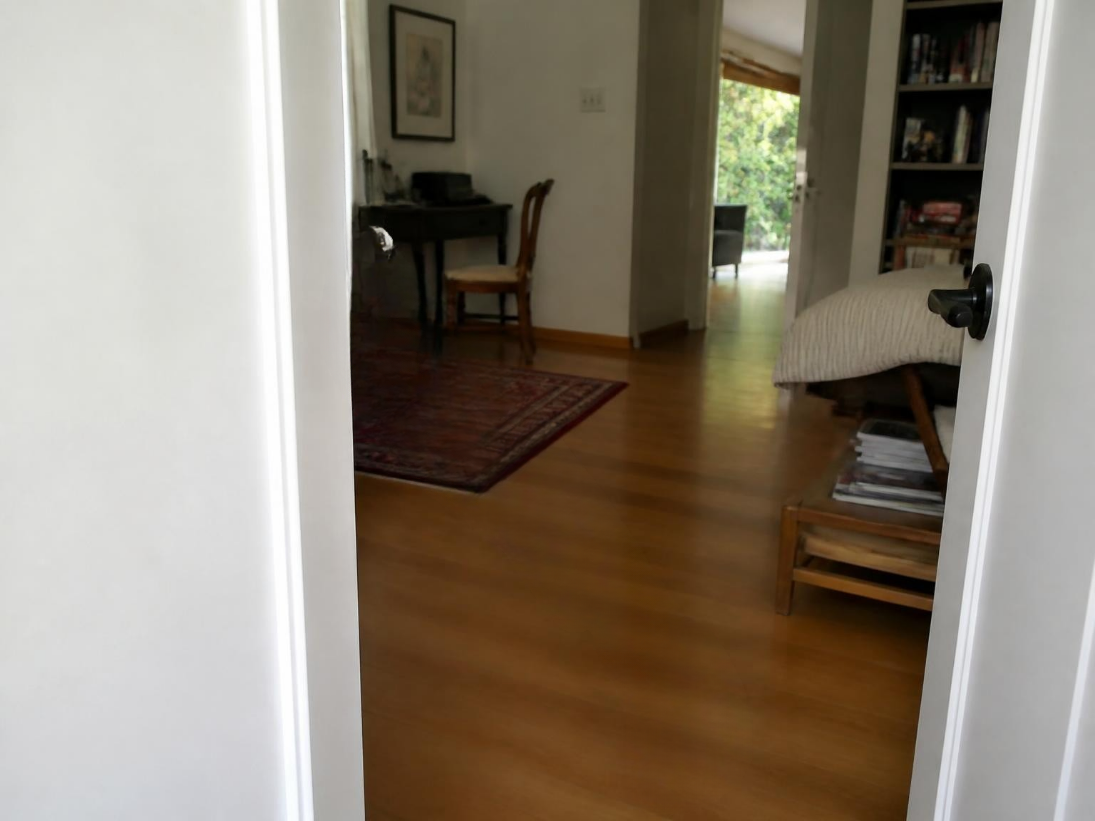
 BeforeAfter
Practice: arm poking into a doorway frame
Partial limbs count as “someone”—mask the entire intrusion, not just the hand.
FAQ
What do people ask before cleaning?
Last updated: 2026-09-27 · AI Image Cleaner Editorial