
Unit tests meant testing individual units or functions of your code to ensure that they behaved as expected. In C, this means testing functions and modules to verify that they return correct outputs for given inputs. Unit tests help catch bugs early, reduce regression issues, and improve code quality.
Setting Up a Testing Framework
Before writing unit tests, you need a testing framework. C lacks a built-in framework, so third-party libraries like CUnit, Check, or Unity are commonly used. Here's how to install CUnit on macOS:
Install Homebrew on your mac to this command.
/bin/bash -c "$(curl -fsSL https://raw.githubusercontent.com/Homebrew/install/HEAD/install.sh)"Install CUnit on your mac to execute this code.
brew install cunitVerify CUnit Installation using this command.
cunit --version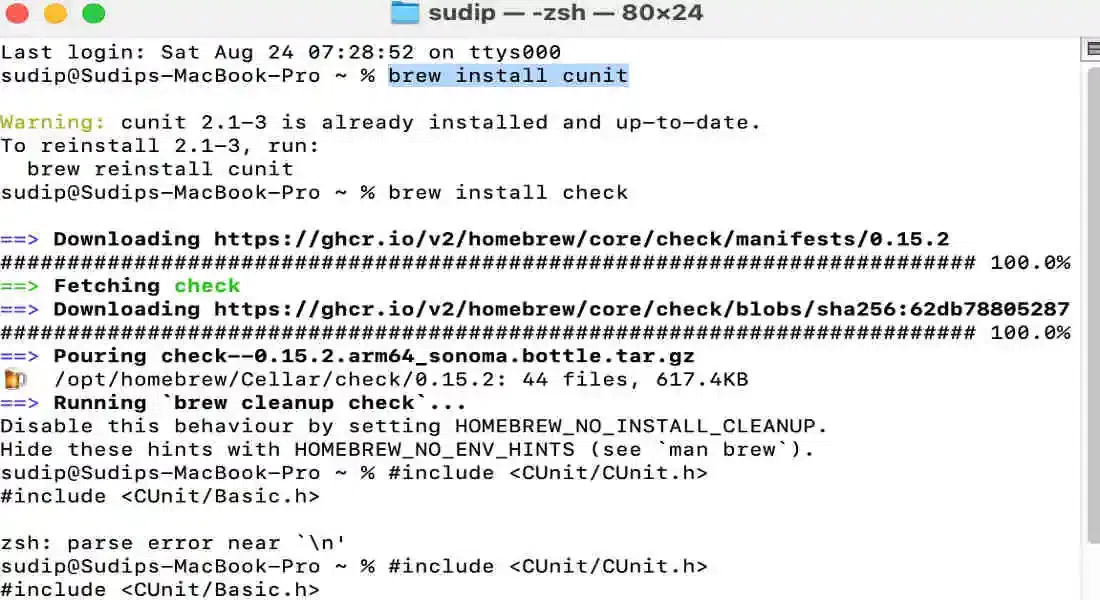
Writing Unit Tests in C
Writing unit tests in C involves creating test cases that exercise specific functions in your code. A typical test checks for both expected results and error conditions. copy the code which given and go to the further steps:
Step 1. Copy the code here.
#include <CUnit/Basic.h>
#include <CUnit/CUnit.h>

int add(int a, int b)
{
    return a + b;
}

void test_add(void)
{
    CU_ASSERT(add(2, 3) == 5);
    CU_ASSERT(add(-1, 1) == 0);
    CU_ASSERT(add(-1, -1) == -2);
}

int main()
{
    CU_initialize_registry();
    CU_pSuite suite = CU_add_suite("AddTestSuite", 0, 0);
    CU_add_test(suite, "test of add()", test_add);
    CU_basic_run_tests();
    CU_cleanup_registry();
    return 0;
}
This example demonstrates a basic unit test for an add function using CUnit.
Step 2. Open your terminal and enter the given code.
nano test_add.c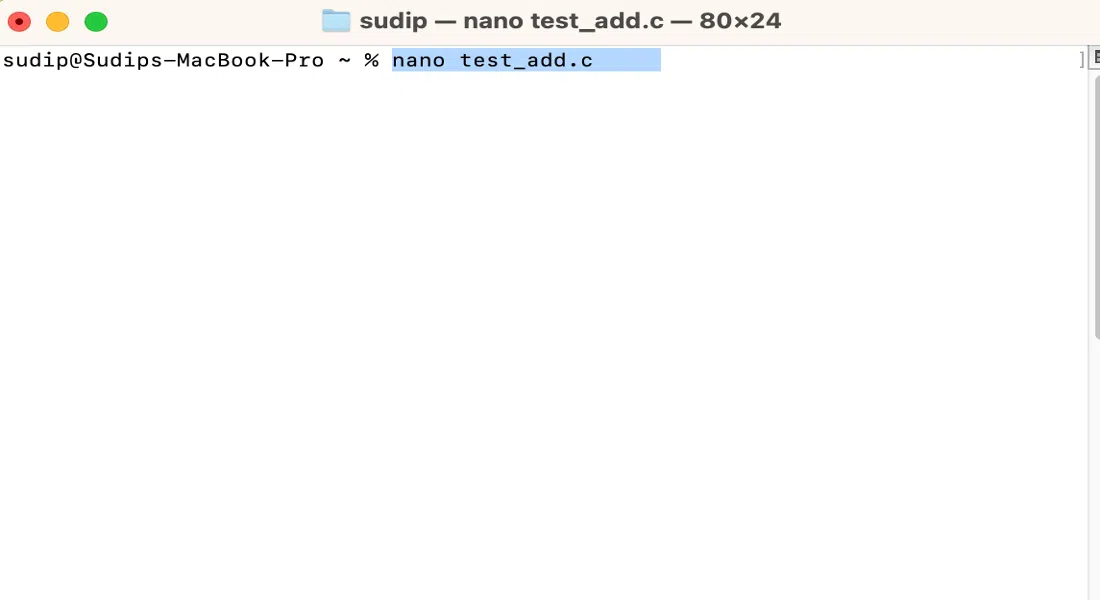
Add the c code which given in top simply copy and past it here like this.
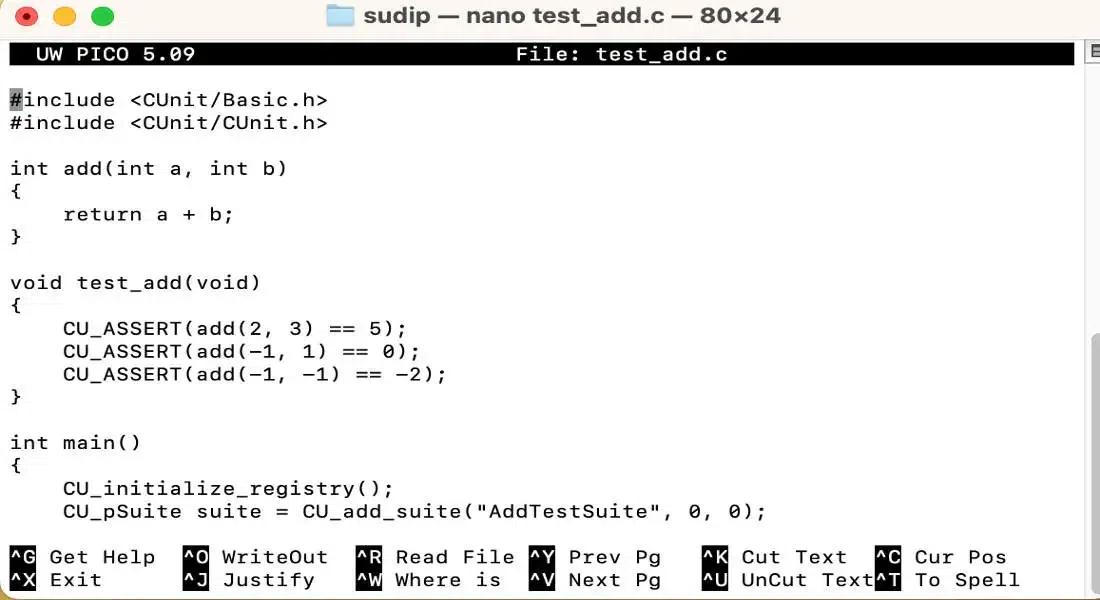
Then click on "control and O" button for your keyboard then click on "control X".
control + 0 then control+xThen Compile the Code Using the gcc compiler to compile your C code along with the CUnit library. just run the given command in your terminal:
gcc -o test_add test_add.c -I/opt/homebrew/Cellar/cunit/2.1-3/include -L/opt/homebrew/Cellar/cunit/2.1-3/lib -lcunit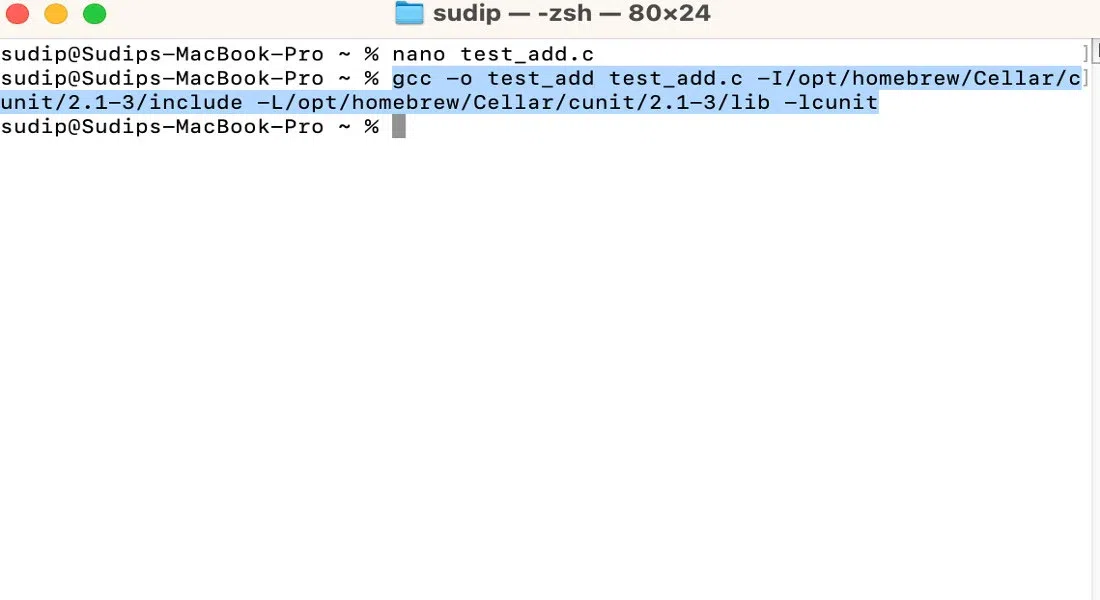
Here run this command on your terminal to see the output of the code.
./test_add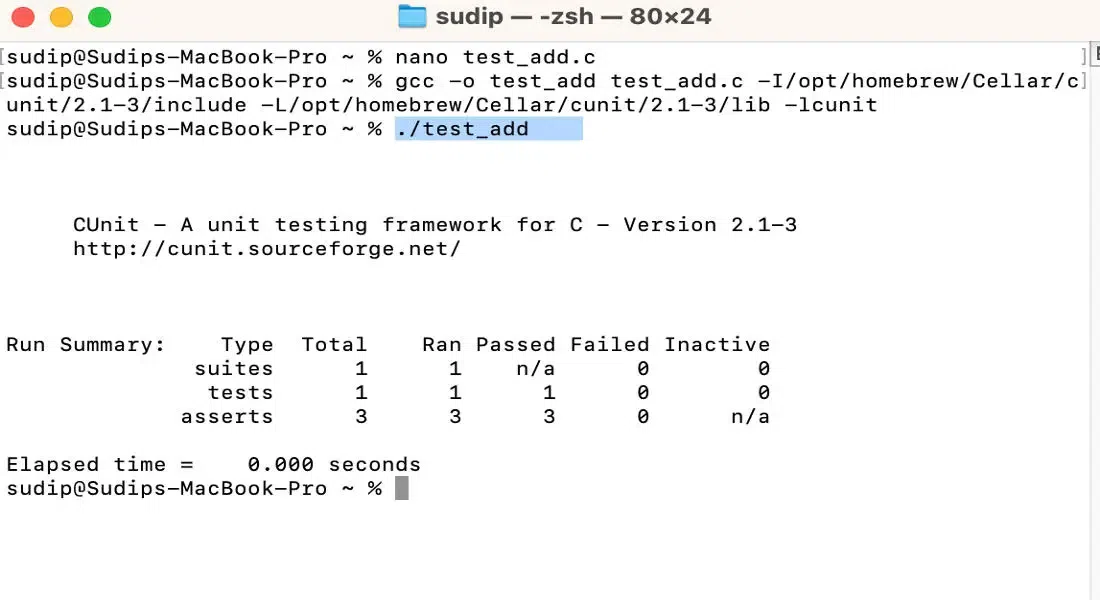
Setting Up a Test Suite:
We set up a test suite named "MathTestSuite" with two test cases: test_add and test_subtract. The suite is then executed, and results are displayed using the basic test runner and you will able to deploy it on your intellij ide.
#include <CUnit/CUnit.h>
#include <CUnit/Basic.h>

int add(int a, int b) {
    return a + b;
}

int subtract(int a, int b) {
    return a - b;
}

void test_add(void) {
    CU_ASSERT(add(2, 3) == 5);
    CU_ASSERT(add(-1, 1) == 0);
}

void test_subtract(void) {
    CU_ASSERT(subtract(5, 3) == 2);
    CU_ASSERT(subtract(-1, -1) == 0);
}

int main() {
    CU_initialize_registry();

    CU_pSuite suite = CU_add_suite("MathTestSuite", 0, 0);
    CU_add_test(suite, "test of add()", test_add);
    CU_add_test(suite, "test of subtract()", test_subtract);

    CU_basic_run_tests();
    CU_cleanup_registry();

    return 0;
}
Create C source file and set up your CUnit tests on your Mac, follow these steps:
Step1. Choose a Directory
- First, determine where you need to shop your C source document. Just then, you are allowed to create a new directory in your undertaking or make use of an existing one.
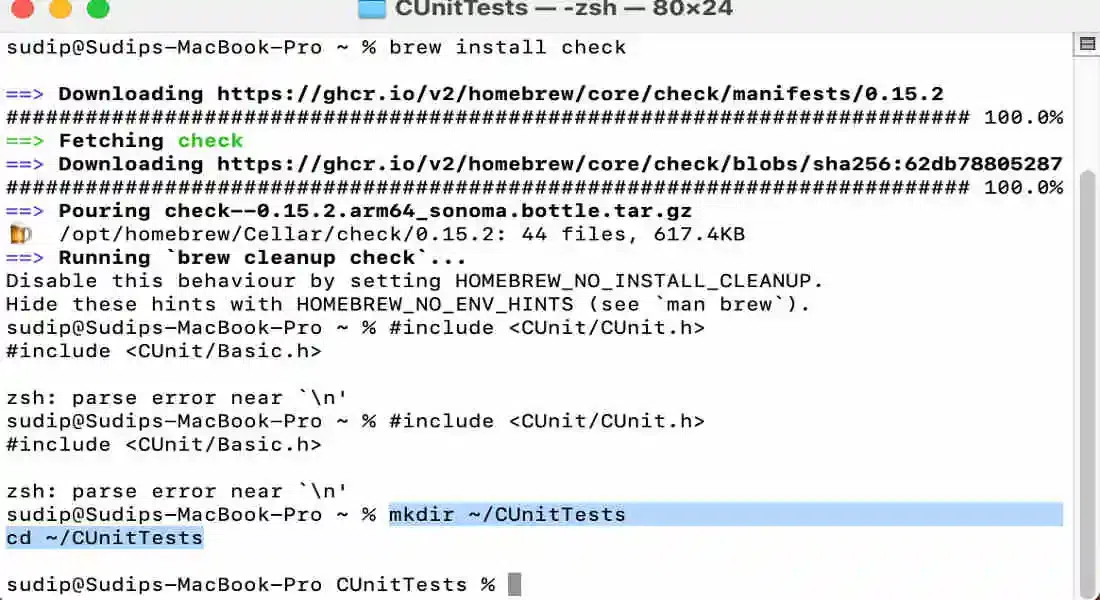
- Example: allow's create a modern-day directory known as CUnit Tests in your property directory.
mkdir ~/CUnitTests
cd ~/CUnitTests
Step2. Create the C Source File
- Now, create a C source file in the chosen directory you could use any text editor you are at ease with.
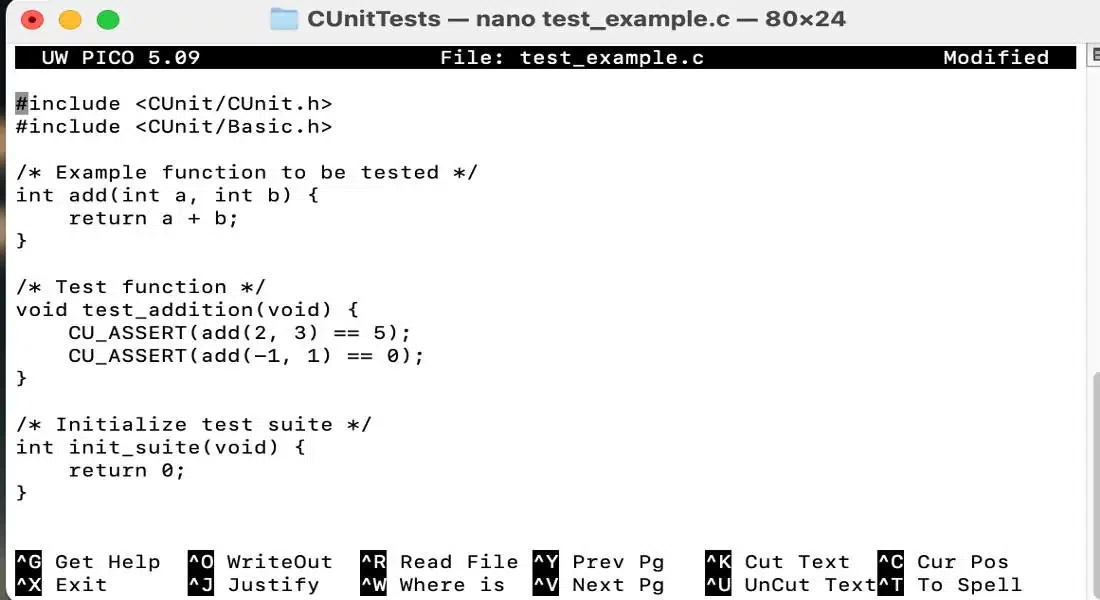
Example using nano:
nano test_example.c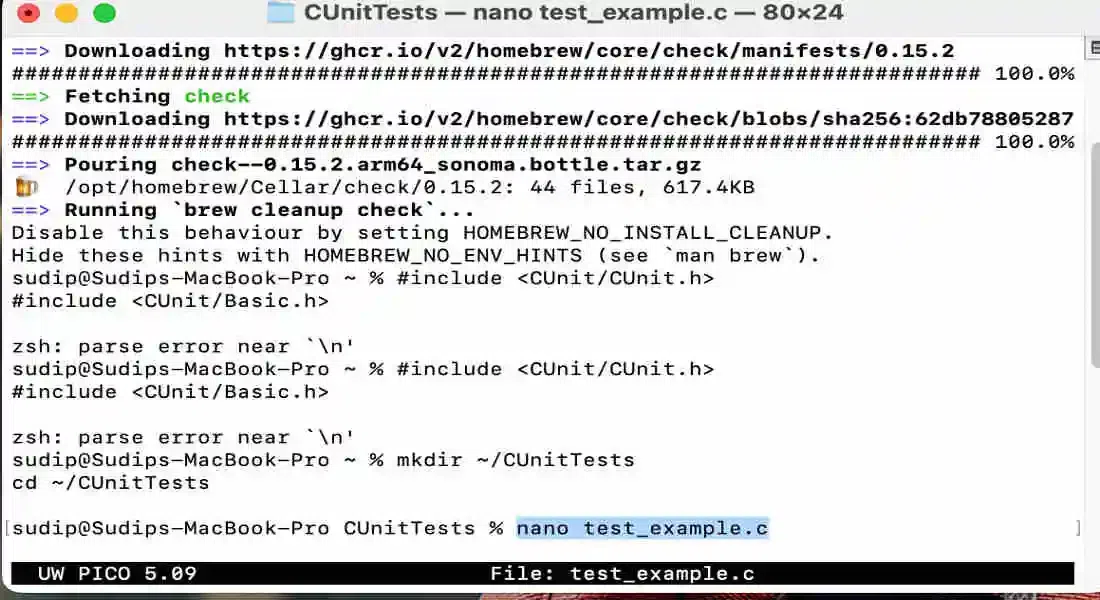
This command will open a text editor within the terminal.Copy and paste the CUnit test code you shared into this file:
#include <CUnit/CUnit.h>
#include <CUnit/Basic.h>

/* Example function to be tested */
int add(int a, int b) {
    return a + b;
}

/* Test function */
void test_addition(void) {
    CU_ASSERT(add(2, 3) == 5);
    CU_ASSERT(add(-1, 1) == 0);
}

/* Initialize test suite */
int init_suite(void) {
    return 0;
}

/* Clean up test suite */
int clean_suite(void) {
    return 0;
}

int main() {
    /* Initialize CUnit test registry */
    if (CU_initialize_registry() != CUE_SUCCESS) {
        return CU_get_error();
    }

    /* Add a suite to the registry */
    CU_pSuite pSuite = CU_add_suite("Example_Suite", init_suite, clean_suite);
    if (pSuite == NULL) {
        CU_cleanup_registry();
        return CU_get_error();
    }

    /* Add the test to the suite */
    if (CU_add_test(pSuite, "Test Addition", test_addition) == NULL) {
        CU_cleanup_registry();
        return CU_get_error();
    }

    /* Run the tests */
    CU_basic_run_tests();

    /* Clean up the registry */
    CU_cleanup_registry();
    return CU_get_error();
}
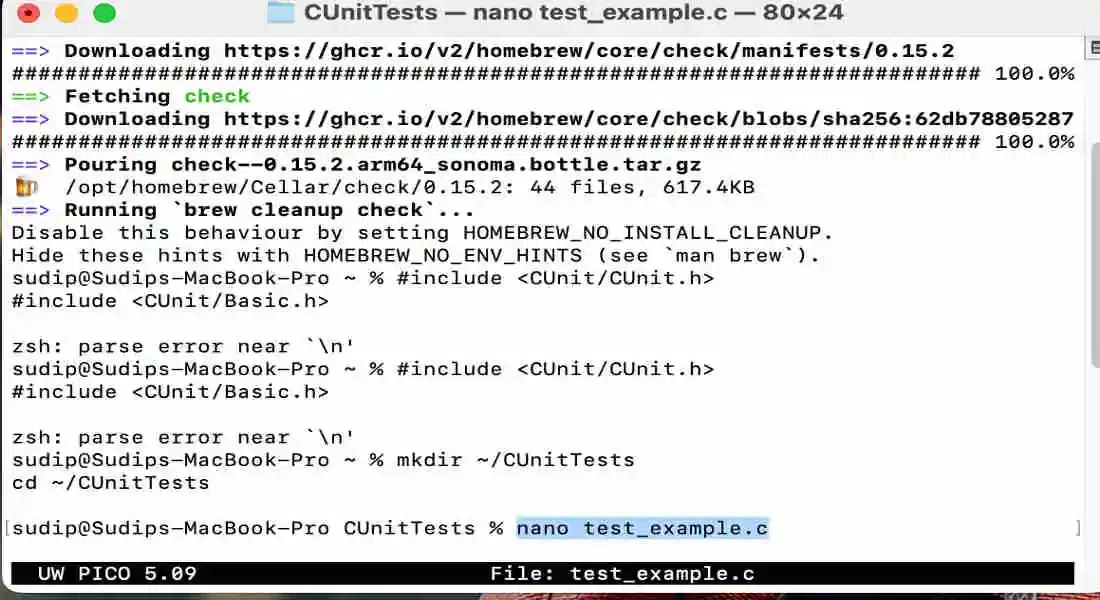
After pasting the code, save and exit the editor. In nano, you may try this by pressing Ctrl + O to shop and Ctrl + X to go out.

Step3. Run the Tests
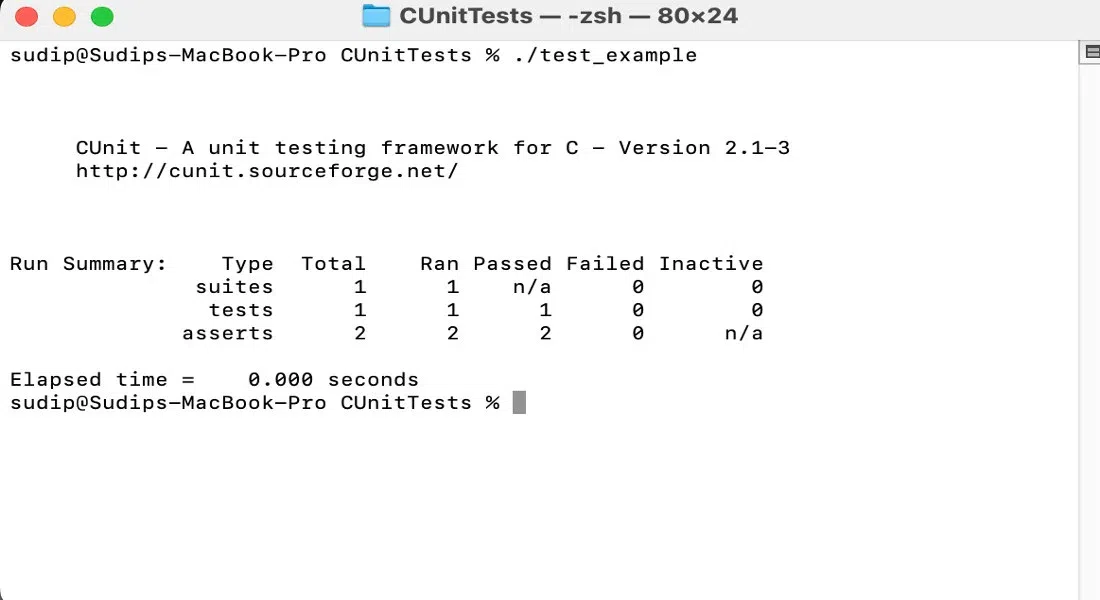
Now that you have an executable, you can run it to see the results of your CUnit tests.
./test_exampleYou should see output indicating whether the tests passed or failed here.
Mocking and Stubbing Functions
In unit testing, you often need to isolate the function under test from its dependencies. that is wherein mocking and stubbing come into play.
- Stubbing: Replacing a function with a simplified version that returns a fixed value.
- Mocking: growing a mock item or function that simulates the behavior of a real dependency, permitting you to control inputs and outputs for trying out.
Example:
int mock_fopen(const char *path, const char *mode) {
    return 1; // Always return a non-NULL pointer
}

void test_file_function(void) {
    fopen = mock_fopen; // Replace fopen with mock
    CU_ASSERT(my_file_function() == SUCCESS);
}
Examples of Common Unit Tests
Here are examples of common unit tests in C Step by Step:
Step 1.Testing Arithmetic Functions:
void test_multiply(void) {
    CU_ASSERT(multiply(2, 3) == 6);
    CU_ASSERT(multiply(-1, 1) == -1);
}
Step 2.Testing String Functions:
void test_str_concat(void) {
    char dest[20];
    str_concat(dest, "Hello", "World");
    CU_ASSERT_STRING_EQUAL(dest, "HelloWorld");
}
Step 3.Testing Pointer Operations:
void test_pointer_function(void) {
    int x = 10;
    CU_ASSERT(pointer_function(&x) == 10);
}
Tools and Libraries for Unit Testing in C
Several tools and libraries can assist with unit testing in C:
- CUnit: Simple and widely used, good for basic testing needs.
- Check: Offers more advanced features like fixtures and test result output customization.
- Unity: Lightweight and ideal for embedded systems.
- Google check: more often than not for C++, but may be adapted for C with some adjustments.
Conclusion
Unit trying out in C is vital for constructing sturdy, maintainable software program. with the aid of setting up a trying out framework, writing comprehensive assessments, and utilizing tools like mocks and static analysis, you can make sure your code is both accurate and resilient. continuously writing and strolling unit checks will improve your code satisfactory and assist you catch issues early, saving effort and time in the long run.