HTML | DOM Style animationPlayState Property
Last Updated :
10 Aug, 2022
The HTML DOM Style animationPlayState Property is used to specify whether an animation is running or paused.
Syntax :
animation-play-state: running|paused|initial|inherit;
Return Values: It returns a string that represents the animation-play-state property of an element
Property Values:
- running: This value is used to run/play an animation.
- paused: This value is used to pause an animation.
- initial: This value sets the animation-play-state property to the value of the parent element.
- inherit: This value is used to set the .animation-play-state property to default(running).
Example: animation-play-state: running
HTML
<!DOCTYPE html>
<html>
<head>
    <title>
        HTML | DOM Style animationPlayState Property
    </title>
    <style>
        div {
            height: 100px;
            width: 150px;
            font-size: 100px;
            -webkit-animation: movement 3s infinite;
            -webkit-animation-play-state: paused;
            animation: movement 3s infinite;
            color: darkgreen;
            position: relative;
            < !-- property value "running" -->
              animation-play-state: running;
        }

        @-webkit-keyframes movement {
            from {
                left: 50px;
            }

            to {
                left: 400px;
            }
        }

        @keyframes movement {
            from {
                left: 50px;
            }

            to {
                left: 400px;
            }
        }
    </style>
</head>
<body>
    <br>
    <div id="block">Geeks For Geeks</div>
</body>
</html>
Output:

Example: animation-play-state: paused
HTML
<!DOCTYPE html>
<html>
<head>
    <title>
        HTML | DOM Style animationPlayState Property
    </title>
    <style>
        div {
            height: 100px;
            width: 150px;
            font-size: 100px;
            -webkit-animation: movement 3s infinite;
            -webkit-animation-play-state: paused;
            animation: movement 3s infinite;
            color: darkgreen;
            position: relative;
            < !-- property value "paused" -->
              animation-play-state: paused;
        }

        @-webkit-keyframes movement {
            from {
                left: 50px;
            }

            to {
                left: 400px;
            }
        }

        @keyframes movement {
            from {
                left: 50px;
            }

            to {
                left: 400px;
            }
        }
    </style>
</head>
<body>
    <button onclick="Play()">
        Click to make the object move
    </button>
    <script>
        function Play() {
            document.getElementById("block"
            ).style.WebkitAnimationPlayState = "running";

            document.getElementById("block"
            ).style.animationPlayState = "running";
        }
    </script>
    <br>
    <div id="block">Geeks For Geeks</div>
</body>
</html>
Output :

Example: animation-play-state: inherit
HTML
<!DOCTYPE html>
<html>
<head>
    <title>
        HTML | DOM Style animationPlayState Property
    </title>
    <style>
        div {
            height: 50px;
            width: 150px;
            font-size: 100px;
            -webkit-animation: movement 3s infinite;
            -webkit-animation-play-state: paused;
            animation: movement 3s infinite;
            color: darkgreen;
            position: relative;
            animation-play-state: running;
        }

        h4 {
            width: 150px;
            -webkit-animation: movement 3s infinite;
            -webkit-animation-play-state: paused;
            animation: movement 3s infinite;
            color: darkgreen;
            position: relative;
            <!-- property value "inherit" -->
            animation-play-state: inherit;
        }

        @-webkit-keyframes movement {
            from {
                left: 50px;
            }
            to {
                left: 400px;
            }
        }

        @keyframes movement {
            from {
                left: 50px;
            }
            to {
                left: 400px;
            }
        }
    </style>
</head>
<body>
    <br>
    <div id="block">
        Gfg
        <h4> I'm inherited</h4>
    </div>
</body>
</html>
Output:

Example: animation-play-state: initial
HTML
<!DOCTYPE html>
<html>
<head>
    <title>
        HTML | DOM Style animationPlayState Property
    </title>
    <style>
        div {
            height: 100px;
            width: 150px;
            font-size: 100px;
            -webkit-animation: movement 3s infinite;
            -webkit-animation-play-state: paused;
            animation: movement 3s infinite;
            color: darkgreen;
            position: relative;
            < !-- property value "initial" -->
            animation-play-state: initial;
        }

        @-webkit-keyframes movement {
            from {
                left: 50px;
            }

            to {
                left: 400px;
            }
        }

        @keyframes movement {
            from {
                left: 50px;
            }

            to {
                left: 400px;
            }
        }
    </style>
</head>
<body>
    <br>
    <div id="block">Geeks For Geeks</div>
</body>
</html>
Output:
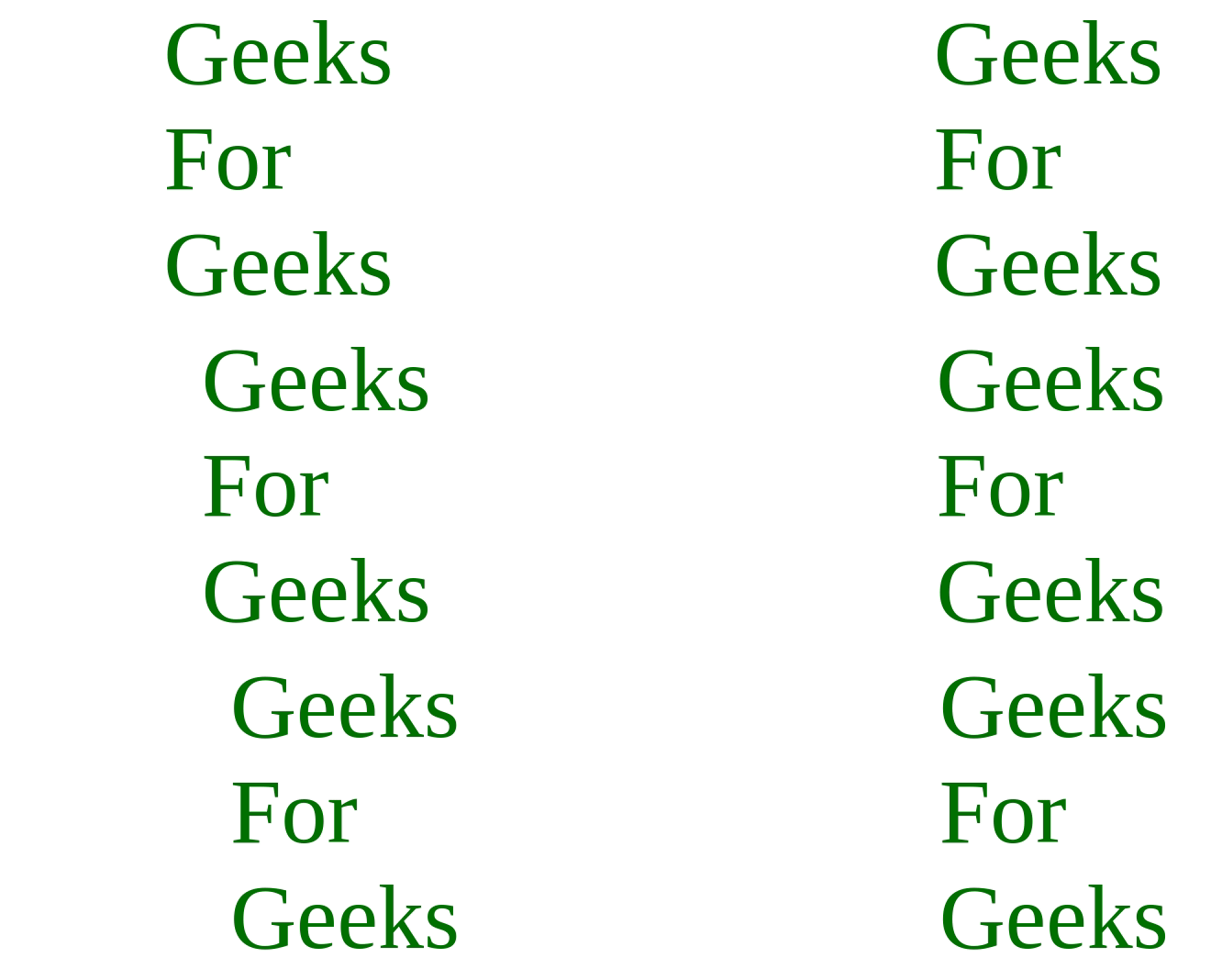
Supported Browsers: The browser supported by animation-play-state property are listed below:
- Chrome: 43.0 and above
- Firefox: 16.0 and above
- Safari: 9.0 and above
- Internet Explorer: 10 and above
- Edge: 12.0 and above
- Opera: 30.0 and above
Explore
JavaScript Basics
Array & String
Function & Object
OOP
Asynchronous JavaScript
Exception Handling
DOM
Advanced Topics