Guides for putting screens on the record
How to record a PC, POS or dashboard screen on your NVR or VMS. Step by step, per brand, with real screenshots.

Turn a Windows PC into an ONVIF IP camera: the complete guide
Everything about turning a Windows PC screen into an ONVIF / RTSP IP camera for any NVR or VMS: how it works, setup, settings and use cases.
Read →
How to add a PC screen to a Hikvision NVR (ONVIF, step by step)
Add a Windows PC or POS screen to a Hikvision NVR as an ONVIF camera: install Screen2ipcam, open ports 8000 and 554, then add it in Camera Management.
Read →
How to add a PC screen to a Dahua NVR as an ONVIF camera
Record a Windows PC screen on a Dahua NVR: install Screen2ipcam, then use Device Search or Manual Add with ONVIF on port 8000.
Read →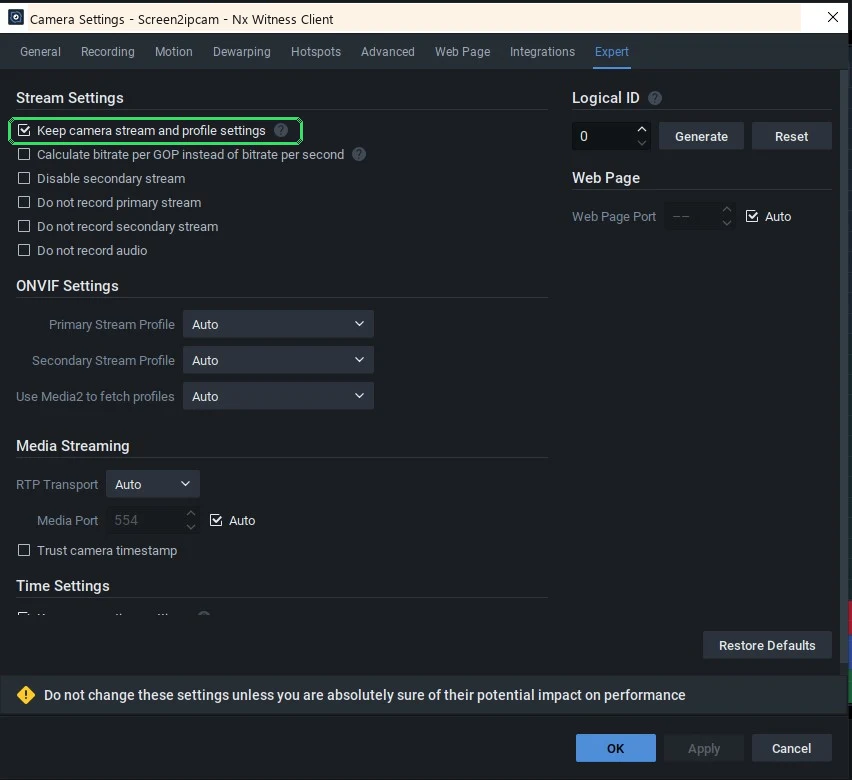
Nx Witness: add a Windows screen as a camera and keep it online
Add Screen2ipcam to Nx Witness by ONVIF discovery or Add Device, then check "Keep camera stream and profile settings" so the camera never drops.
Read →
Blue Iris: add a Windows screen as an ONVIF / RTSP camera
Add Screen2ipcam to Blue Iris as a Network IP camera with Find/Inspect (ONVIF) or RTSP. Main stream for recording, sub stream for preview.
Read →
Record a POS screen on CCTV without a capture card
Record a cashier POS screen on your NVR next to the camera, in software: no capture card or HDMI encoder. Settings, cost and setup for retail.
Read →
Software vs HDMI encoder: the best way to record a PC screen on an NVR
HDMI encoder or software? Compare cabling, old PCs, image quality and motion recording for putting a Windows screen on your NVR.
Read →
What is ONVIF Profile S? A plain-language guide
ONVIF Profile S explained simply: discovery, streaming and PTZ basics, and why it lets a Windows PC act as an IP camera on any NVR.
Read →RTSP vs ONVIF: which one should you use to add a PC screen?
RTSP or ONVIF for adding a Windows screen to an NVR? What each does, when to use which, and the exact Screen2ipcam addresses.
Read →Best resolution, frame rate and bitrate for recording a PC screen
How to pick resolution, FPS and bitrate when recording a Windows screen on an NVR, so text stays readable and storage stays low.
Read →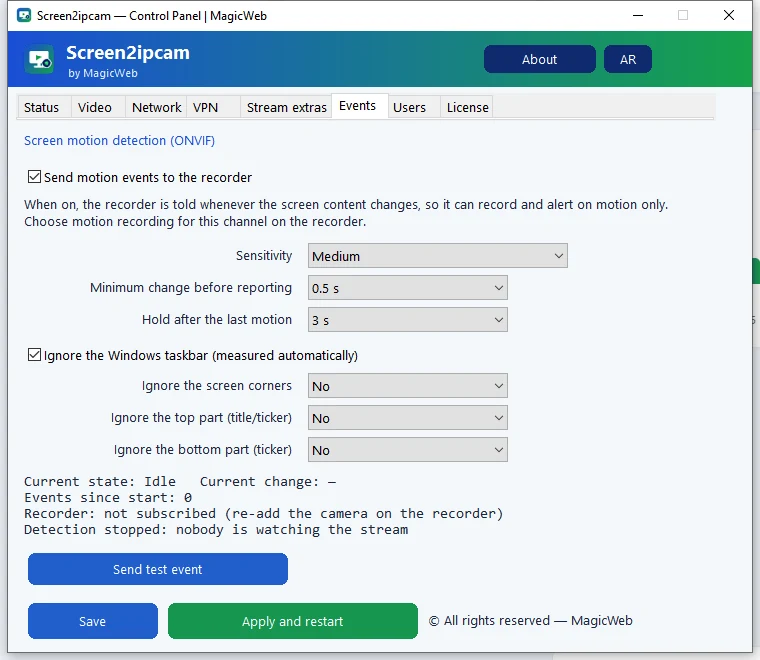
Record a PC screen only when it changes (ONVIF motion events)
Save NVR storage by recording a Windows screen only on change: enable Screen2ipcam ONVIF motion events or use NVR motion detection.
Read →Ports 8000, 554 and 3702: firewall setup for a PC camera
Which ports Screen2ipcam uses (ONVIF 8000, RTSP 554, WS-Discovery 3702, web 8080) and how to allow them in Windows Firewall.
Read →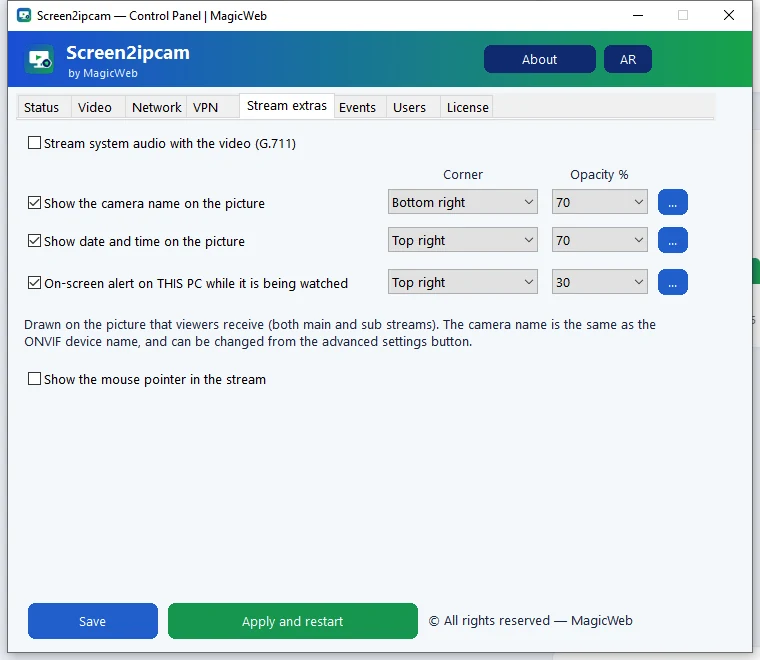
Recording a PC screen over a VPN or with several network cards
If a PC has a VPN or several networks, choose the address the NVR should see in Screen2ipcam, so the camera connects reliably.
Read →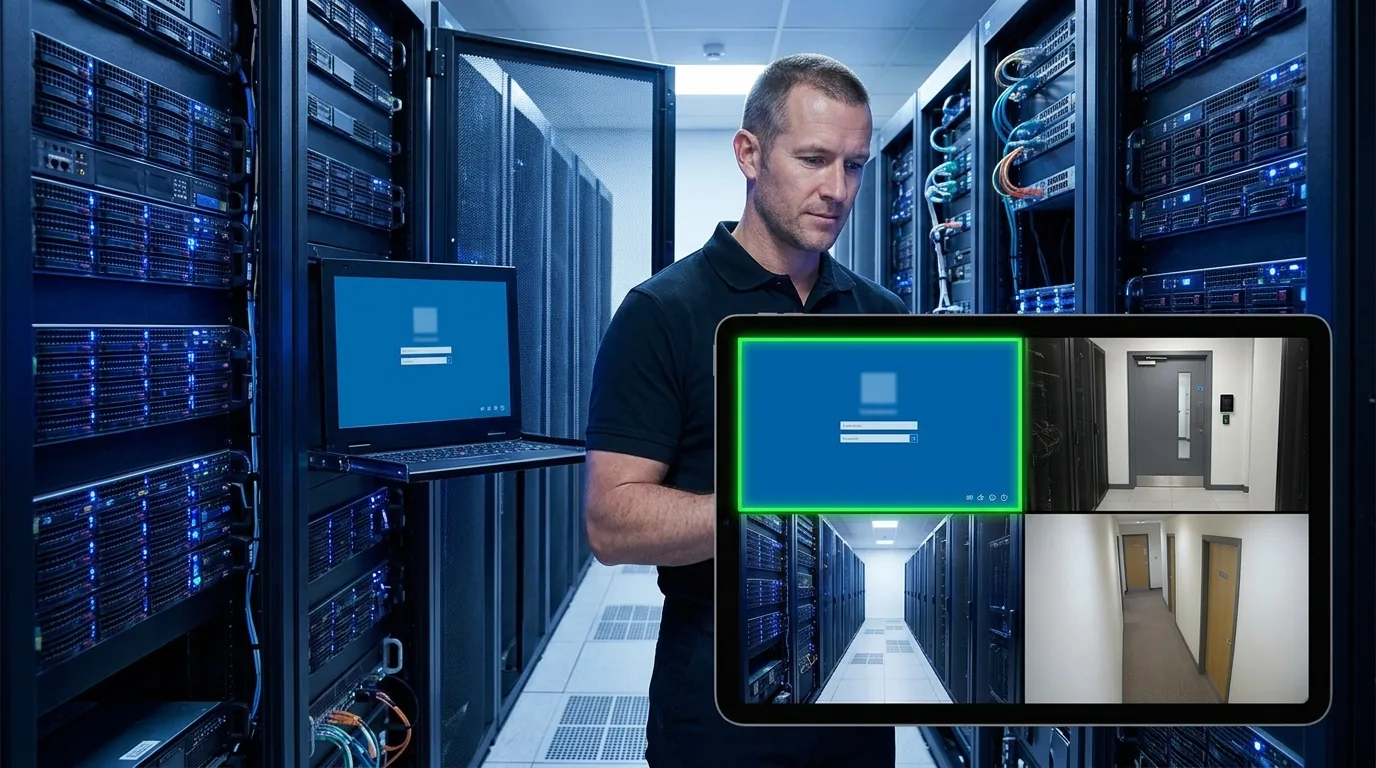
Windows Server: keep a server console on the NVR, always on
Run Screen2ipcam on Windows Server as a service, so a server or control-room screen stays on the NVR around the clock.
Read →Virtual IP camera software for VMS / NVR: turn a PC screen into an ONVIF camera
What virtual IP camera software is, how it lets any VMS or NVR record a Windows PC screen as an ONVIF / RTSP camera, and what to check before you choose one.
Read →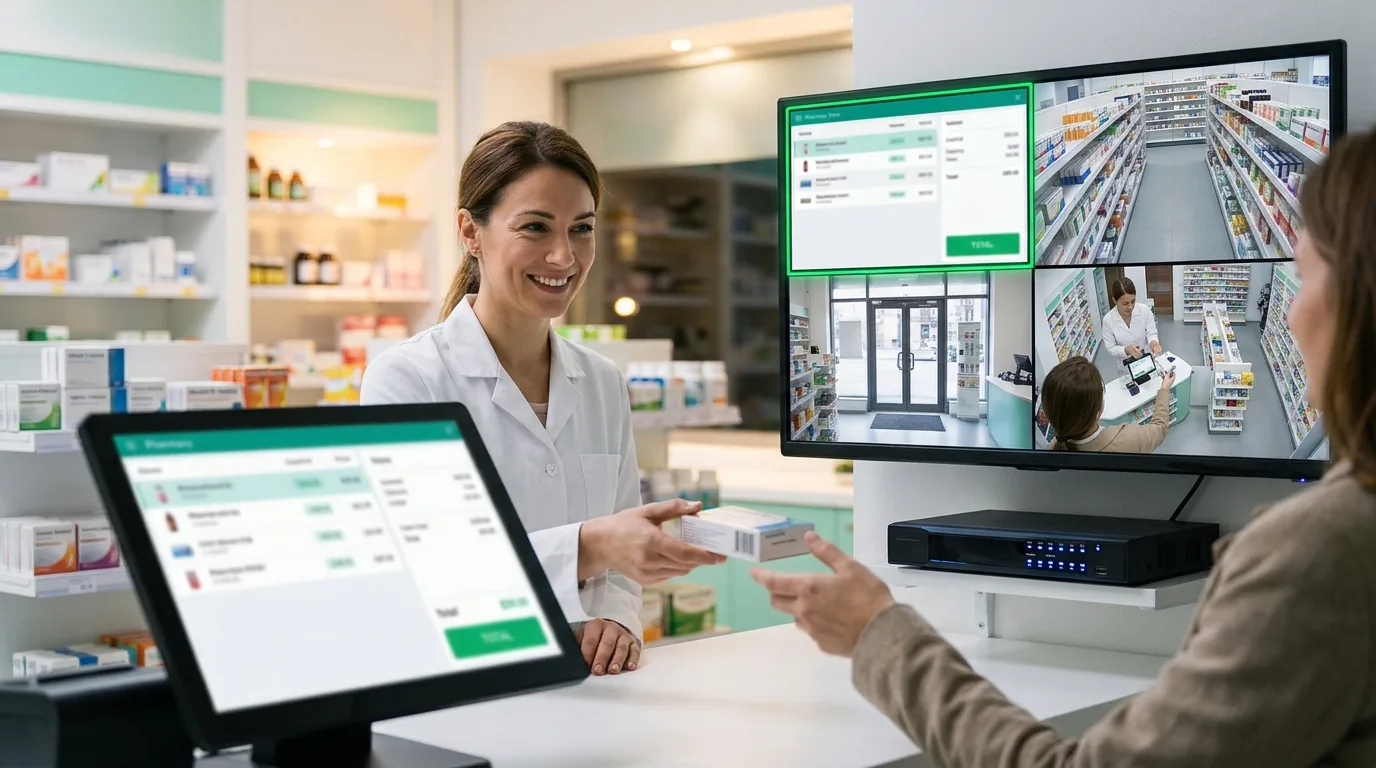
Record the pharmacy cashier screen on your CCTV (NVR or VMS)
Record the pharmacy POS screen on the same NVR as your cameras: see the item, price, discount and returns next to the counter camera. Software only, no capture card.
Read →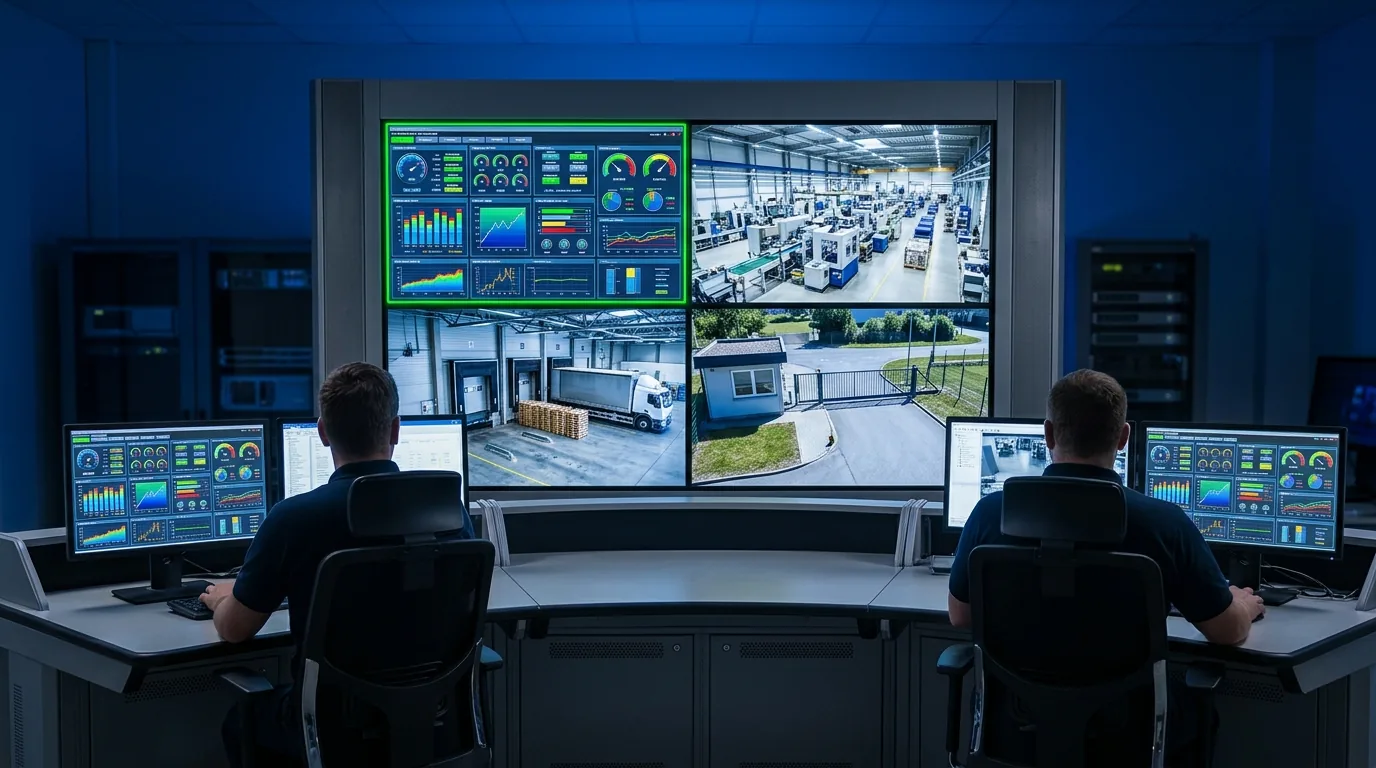
Record SCADA and HMI operator screens on your NVR or VMS
Record control room, SCADA and HMI operator PC screens on the same NVR or VMS as the plant cameras, as standard ONVIF / RTSP channels. Software only.
Read →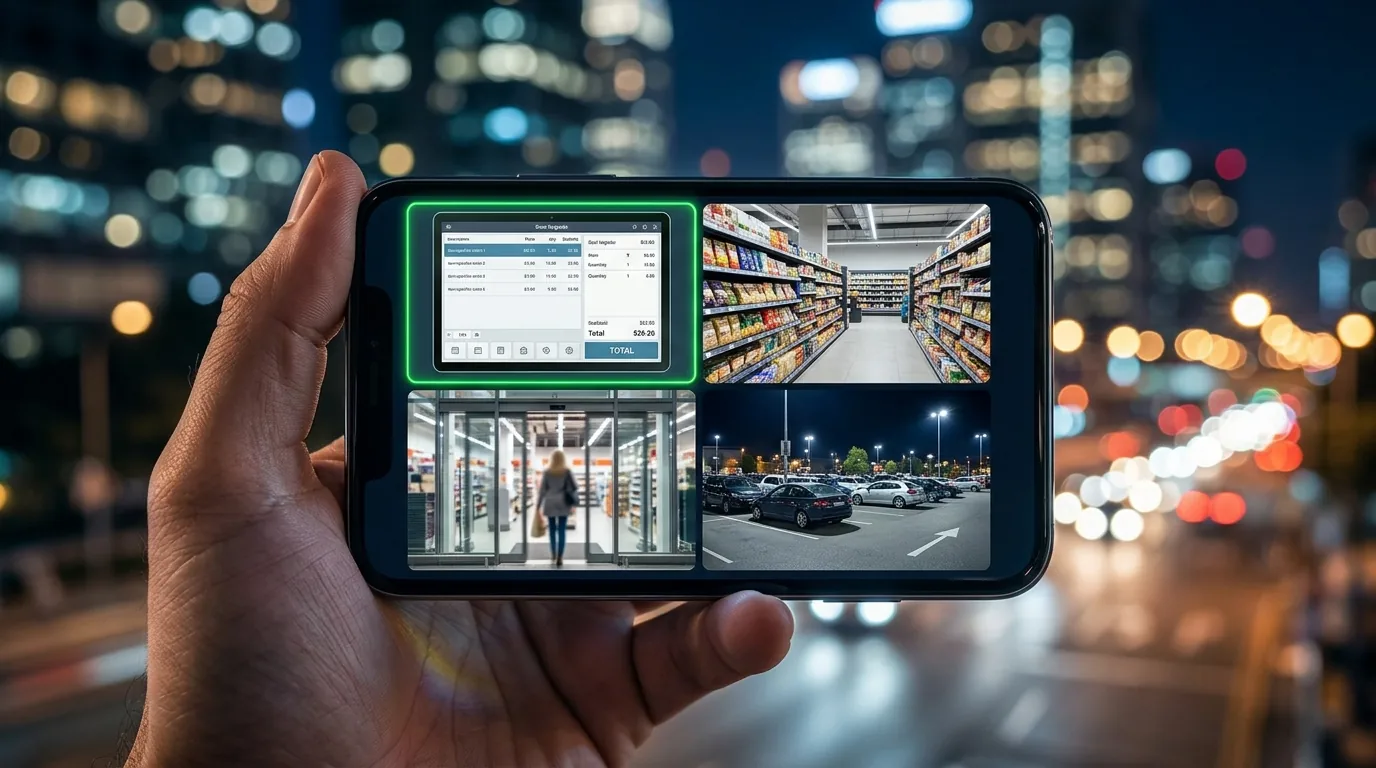
Watch a PC screen live on your phone with your NVR app
See a shop, pharmacy or office PC screen live on your phone in the same NVR app you use for your cameras. No port forwarding on the PC.
Read →
Record the fuel station payment terminal screen on your CCTV
Record the fuel station cashier terminal screen on the same NVR as the pump and shop cameras: see the pump, amount and payment next to the video. Software only.
Read →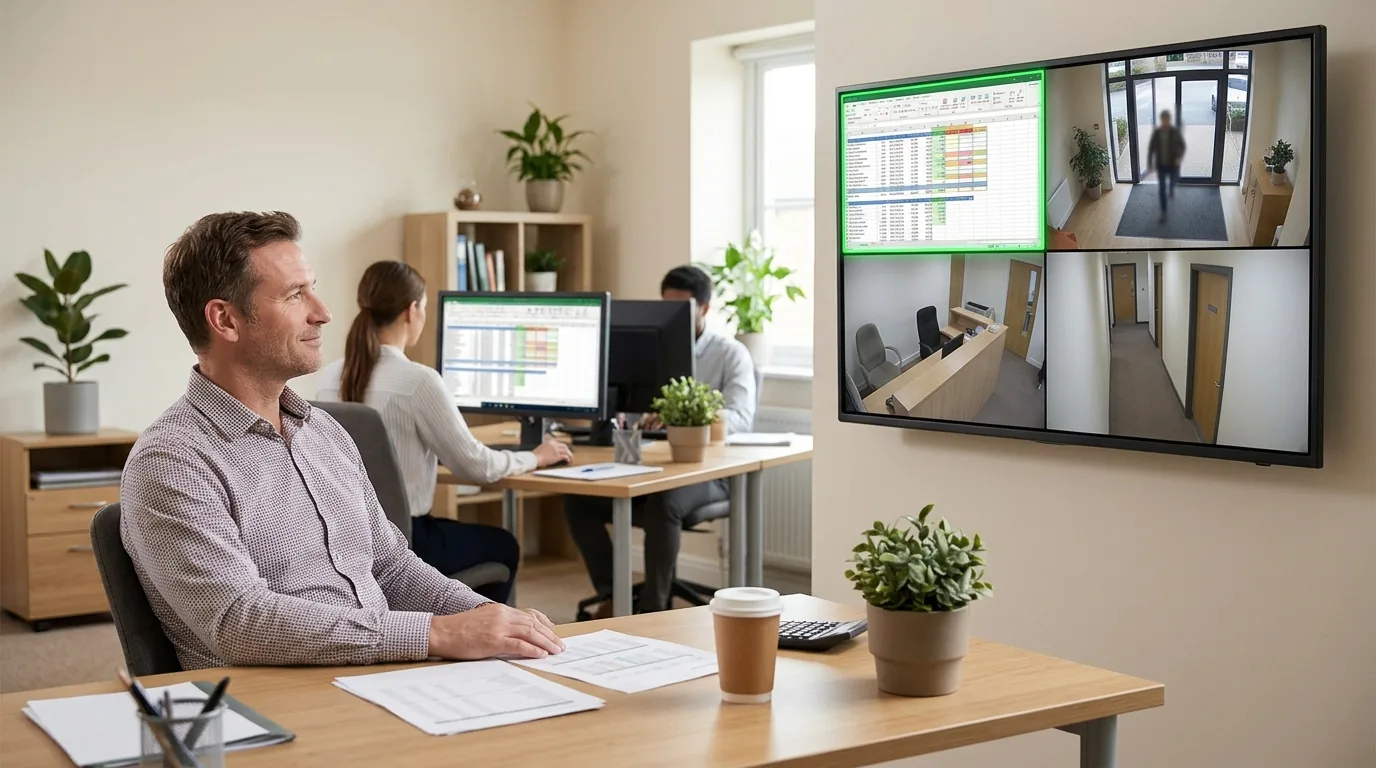
Record office PC screens on your NVR (reception, accounts, front desk)
Record reception, accounting and front desk PC screens on the same NVR as your office cameras, as standard ONVIF / RTSP channels. Software only.
Read →No article matches. Try another word.