

LinkedIn business card alternative: ConnectMachine compared
LinkedIn's Business Card swaps cards between LinkedIn members and keeps them in a collection inside LinkedIn. A ConnectMachine card saves your phone number and email in anyone's phone contacts, with no app needed, asks for their details back, and keeps a note on how you met. LinkedIn's card is in the LinkedIn mobile app, in English only for now. ConnectMachine works on iPhone, Android, Apple Watch, Mac and the web, and is free to start.
Just want LinkedIn's own card? Here is how to get the LinkedIn business card.
LinkedIn card vs ConnectMachine at a glance
| ConnectMachine | ||
|---|---|---|
| Who can scan your code | Anyone with a phone camera, no app needed | Built for swaps between LinkedIn members |
| Saves your phone and email in their phone contacts | One tap | No. Your card goes to their LinkedIn collection |
| Gets their details back in the same scan | Share Back form | Auto-swap, between LinkedIn members |
| Notes on each person | Free plan (voice notes limited) | Premium only |
| Apple Wallet and Google Wallet | Paid plans | Apple or Google wallet |
| Apple Watch | watchOS 10 or later | Not mentioned |
| Where it works | iPhone, Android, Apple Watch, Mac, web | LinkedIn mobile app, English only for now |
| Price | Free plan, or $5.99 a month | Not stated by LinkedIn |
LinkedIn and ConnectMachine side by side
Sharing your card
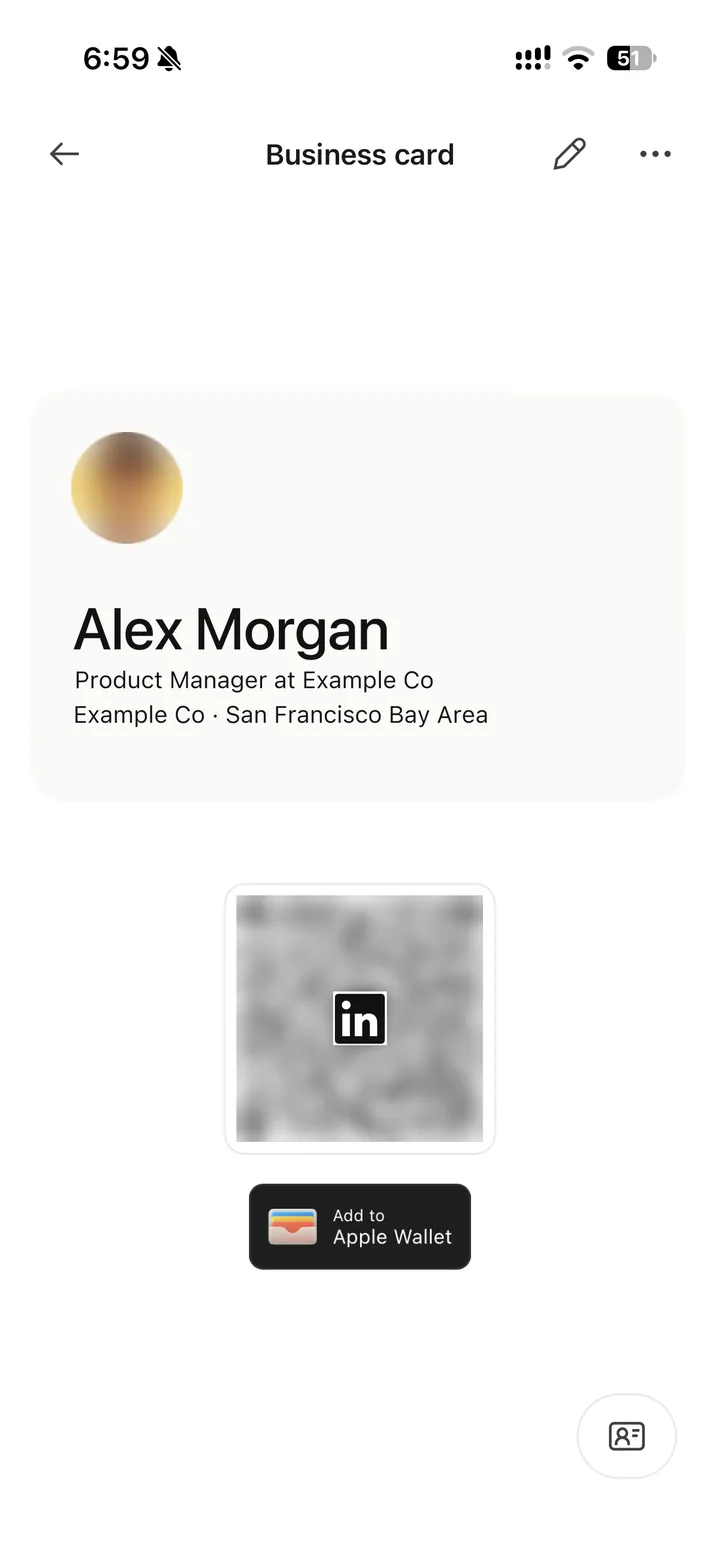
A two-sided card with your headline and a QR code, in the LinkedIn app or your Apple or Google wallet.
ConnectMachine
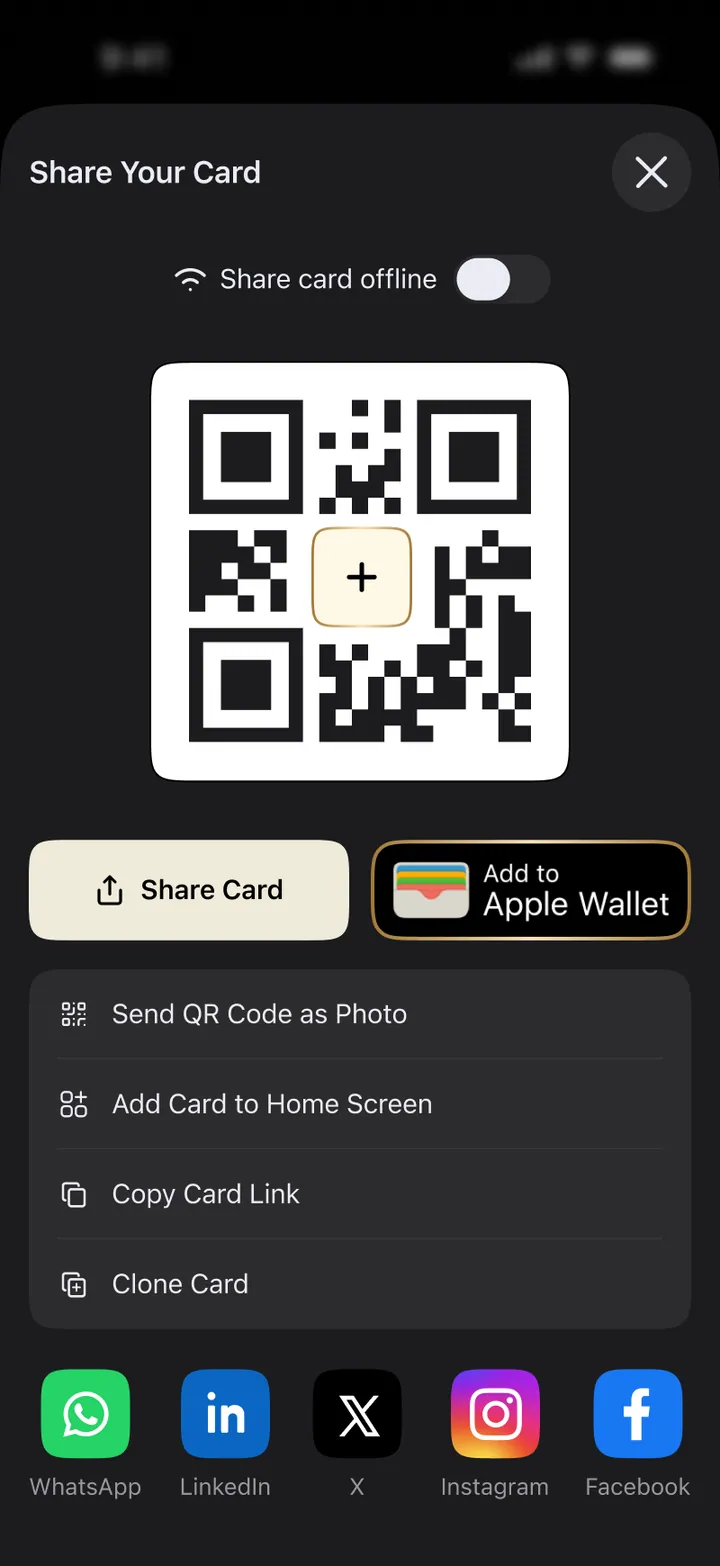
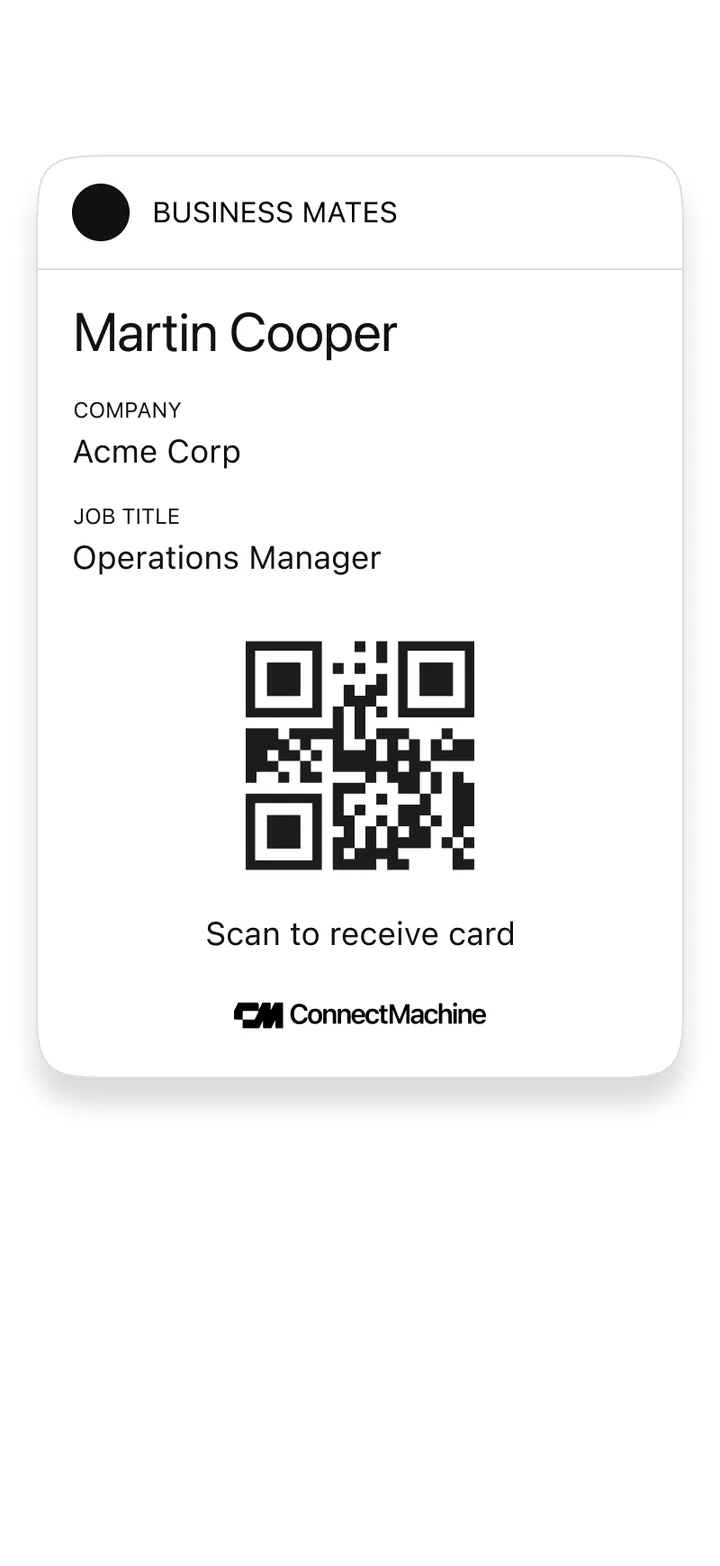
Share by QR code, link, Apple or Google Wallet, or your Apple Watch.
Getting their details back
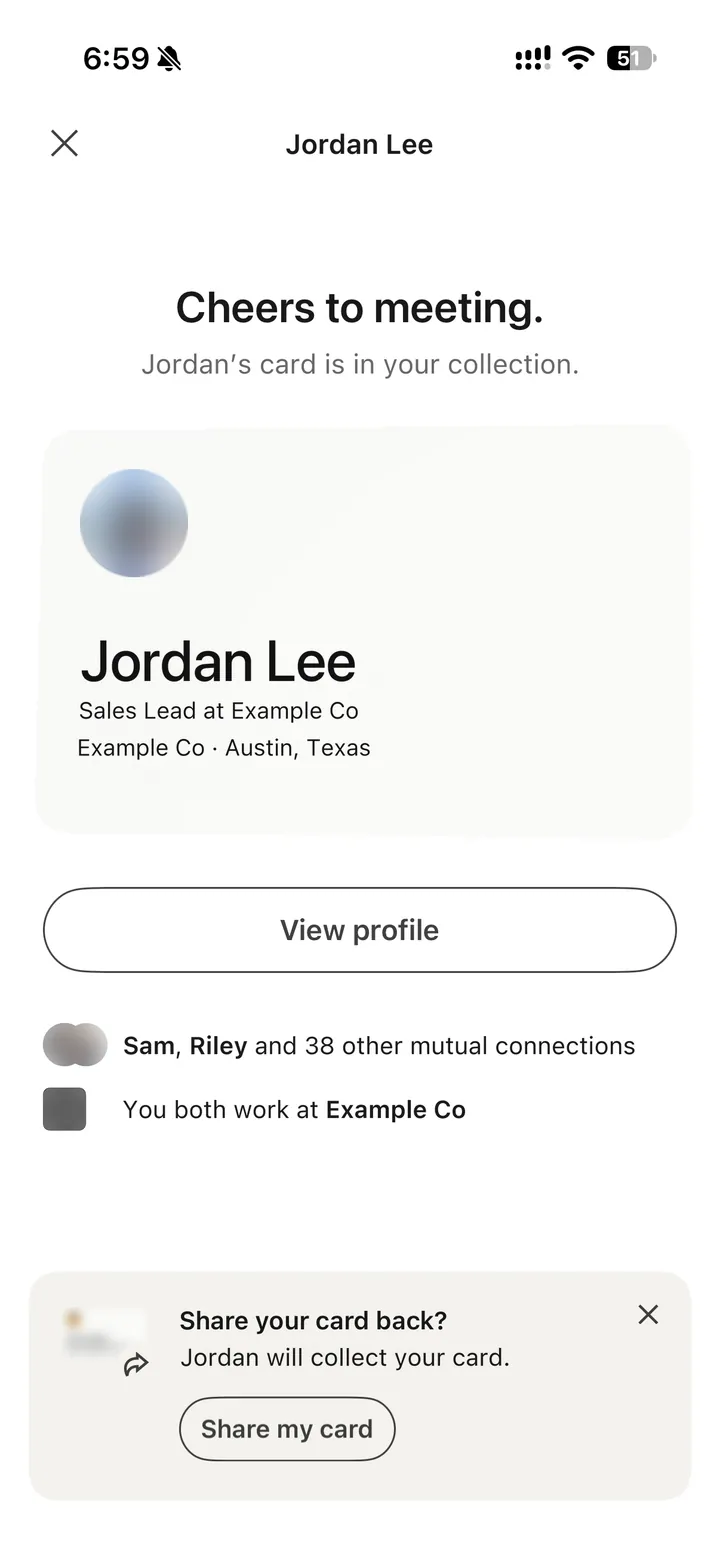
With Auto-swap on, one scan swaps both cards, and they are kept in your LinkedIn collection.
ConnectMachine
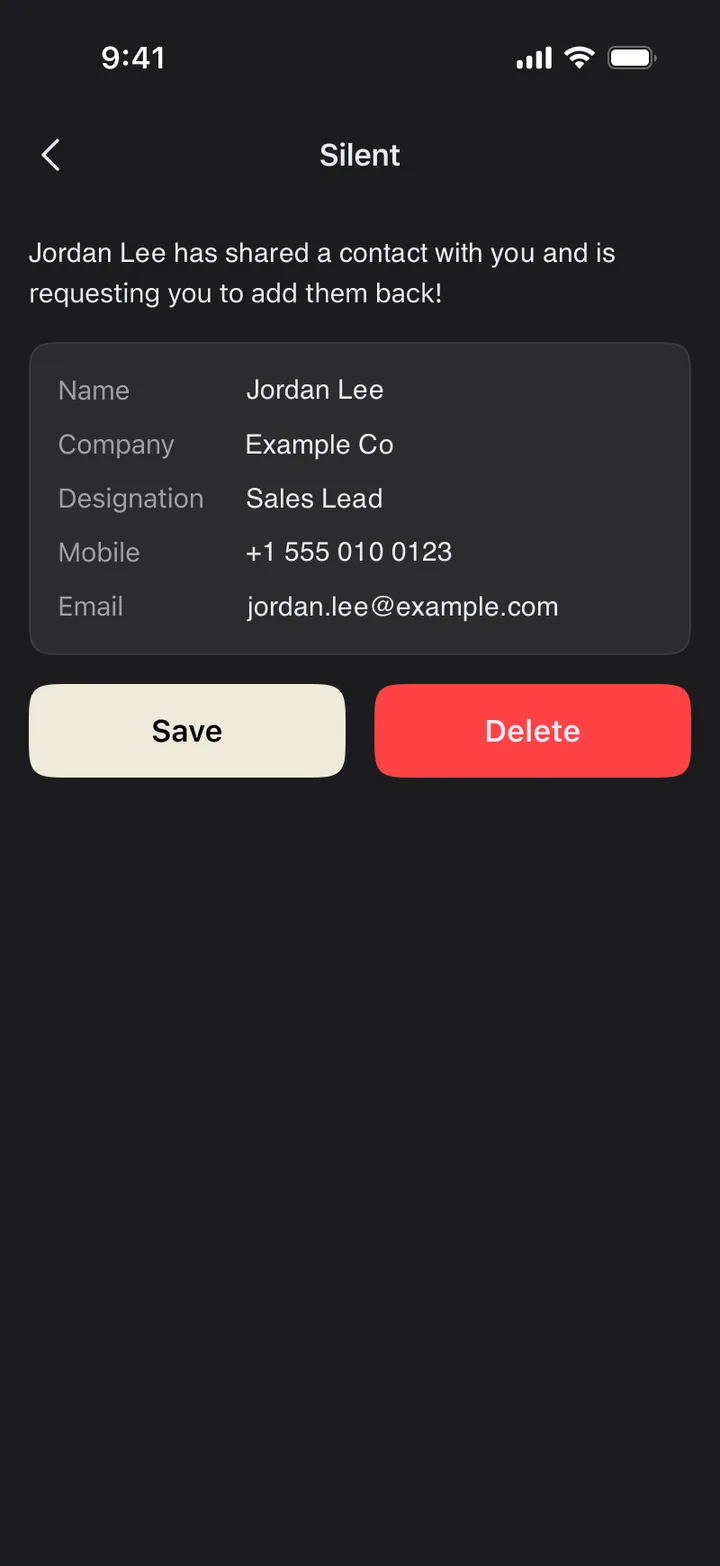
Your card asks for their details back, and if they share back you get their phone number and email, even if they don't use LinkedIn.
ConnectMachine vs LinkedIn, full table
Sharing
What a scan does
ConnectMachine: Opens your card page: phone, email, links, calendar, and Save contact. No app needed.
LinkedIn: Adds your card to their LinkedIn collection. From there they can view your profile or connect.
What the card shows
ConnectMachine: Phone, email, links and calendar, if you add them. Saved to their phone in one tap.
LinkedIn: Headline, and optionally company or school and location. No phone or email field listed.
Wallet and watch
ConnectMachine: Apple and Google Wallet (paid plans). Apple Watch, watchOS 10 or later.
LinkedIn: Apple or Google wallet. No watch mentioned.
Card design
ConnectMachine: Card styles. Brand colours, fonts, logo and cover on paid plans.
LinkedIn: Layouts, fonts, colours, patterns, stickers and doodles, front and back.
After you meet
Their details
ConnectMachine: Share Back form on your card. Paper cards scan in too (3 free, unlimited on paid).
LinkedIn: Auto-swap: one scan swaps both cards, between LinkedIn members. No automatic connection request.
Where the contact is saved
ConnectMachine: Their phone contacts, and your ConnectMachine contacts.
LinkedIn: Your LinkedIn collection (My Network > Manage My Network > Business Cards).
Notes
ConnectMachine: Typed and voice notes on every contact (voice limited on Free). Cards scanned in one place are grouped into an event.
LinkedIn: Private profile notes, Premium only.
Meeting notes
ConnectMachine: AI Note Taker records, labels speakers and summarises (paid plans).
LinkedIn: Not part of the announcement.
Finding someone later
ConnectMachine: Ask the AI Concierge in plain English (paid plans).
LinkedIn: Open their profile to read your note.
Follow-up
ConnectMachine: Email and SMS reminders, one-tap follow-up email or text (paid plans).
LinkedIn: A note can say when to reconnect. No reminders announced.
Price and availability
Availability
ConnectMachine: Live on iPhone, Android, Apple Watch, Mac and web.
LinkedIn: LinkedIn mobile app, English only for now.
Price
ConnectMachine: Free plan with up to 4 cards. Individual $5.99 a month or $59.99 a year.
LinkedIn: Notes need Premium. LinkedIn Help states no price for the card.
Export
ConnectMachine: CSV export on Individual and Team.
LinkedIn: Not mentioned.
LinkedIn details come from LinkedIn Help (LinkedIn Business Card), checked on November 19, 2026.
Who should pick which.
Choose ConnectMachine if…
- You want their phone number and email saved in your phone, not a card in a LinkedIn collection.
- You follow up by call, text or email more often than by LinkedIn message.
- You want notes, voice memos and reminders on everyone you meet, searchable and exportable to CSV, free to start or $5.99 a month.
- You want to share from your Apple Watch, or with people who don't use the LinkedIn app.
Choose LinkedIn if…
- You'd rather people follow your posts and read your work history than call or email you.
- You already pay for Premium and want your notes kept on each person's LinkedIn profile.
Keep LinkedIn, and remember who you met.
Your LinkedIn profile stays where it is. ConnectMachine handles the exchange and what you need to remember afterwards. You can run both in three steps.
Put LinkedIn on your card
Make a free ConnectMachine card and add your LinkedIn profile link next to your phone, email and calendar. Anyone who scans your card gets all of it.
Scan LinkedIn QR codes into your contacts
When someone shows you their LinkedIn QR code, scan it with ConnectMachine. They're saved as a contact you can add notes to, and this is included on the free plan.
Keep your QR code on your wrist
Open ConnectMachine on Apple Watch (watchOS 10 or later), or add your card to Apple Wallet, and your code is ready before you've taken your phone out.
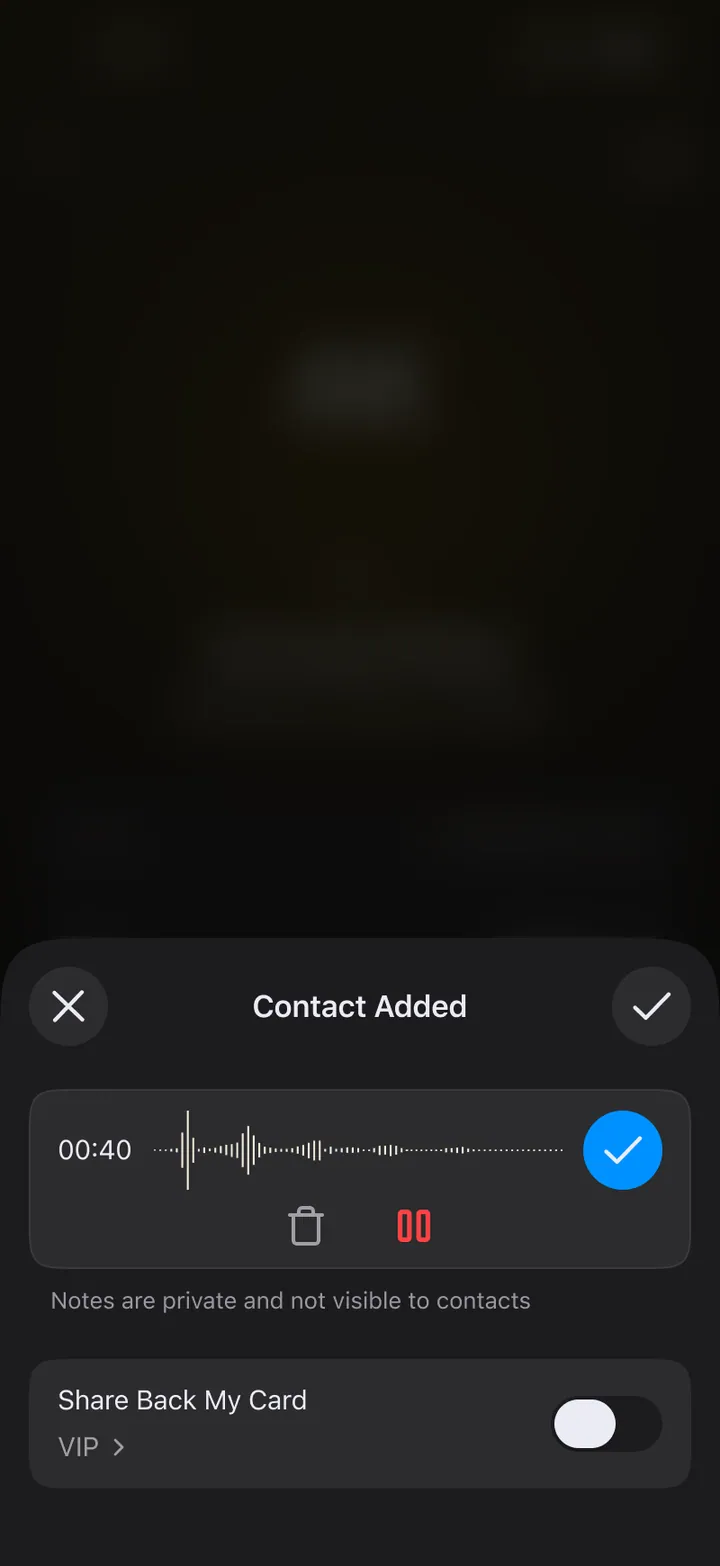
A card in a LinkedIn collection isn't a contact in your phone. LinkedIn's card swaps cards between LinkedIn members. ConnectMachine gets you their phone number and email in the same exchange, plus a note on how you met, starting on the free plan. Put your LinkedIn link on your ConnectMachine card and the people you meet get both.
Frequently asked questions.
Common questions about LinkedIn's card and ConnectMachine. Still curious? See the full FAQ.
LinkedIn's card swaps cards between LinkedIn members and keeps them in a collection in the LinkedIn app, without sending a connection request. A ConnectMachine card puts your phone number and email in their phone in one tap, asks them to share their details back, and keeps notes on where you met. For what LinkedIn's card is and how to get it, read our guide to LinkedIn's digital business card.
Is LinkedIn's digital business card enough? ConnectMachine saves you straight into their phone contacts, not just their LinkedIn.
Don't wait for the rollout.
Make a free ConnectMachine card in a few minutes, with your LinkedIn link on it, and keep notes on the people you meet from today.
LinkedIn is a trademark of LinkedIn Corporation. ConnectMachine is not affiliated with or endorsed by LinkedIn. LinkedIn details come from LinkedIn Help and may change as LinkedIn updates the card.